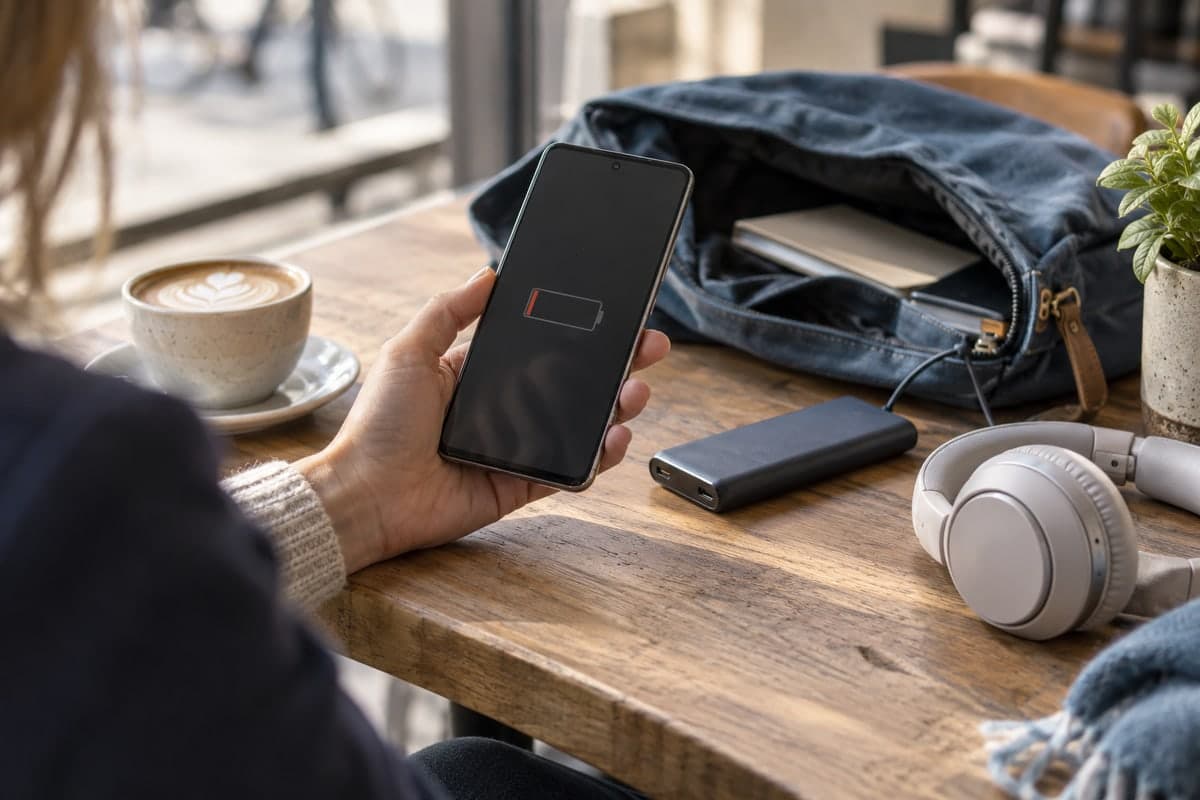
A phone that is always off usually has a simple cause: it is not charged in time, it drains fast from heavy use, heat or cold, or its battery has aged. If the person agrees to share their battery with you in Maqbis, you receive an alert when their level gets low, so you can call them and remind them to charge before the phone switches off.
Every family has one: the phone that never answers. Your father's goes off in the afternoon, your daughter's dies on the way home, your grandmother forgets hers on a shelf until the battery is empty. You worry, you call again, and an hour later you learn that it was "just the battery". The goal is not to watch anyone. It is to know early enough to call while the phone still works.
Why does a family member's phone keep running out of battery?
The causes are usually ordinary, and often several at once.
It is not charged at the right time. The charger is in another room, the phone is plugged in only when it is already nearly empty, or the person simply forgets.
Heavy use drains it fast. Google's Android Help names the usual suspects: long navigation, video streaming, graphics-heavy games, long calls, heavy camera use, a bright screen that stays on for a long time, and mobile data where Wi-Fi would do.
Heat makes it worse. Google warns that a battery drains much faster when it is hot, even when the phone is not in use, and that this kind of drain can damage the battery. A phone left on a car dashboard or near a window in summer loses charge for nothing.
Cold cuts runtime too. Apple explains that very cold conditions can temporarily reduce battery life, and that the battery works normally again once the phone is back at a normal temperature. A phone carried in an outside pocket in winter may die early.
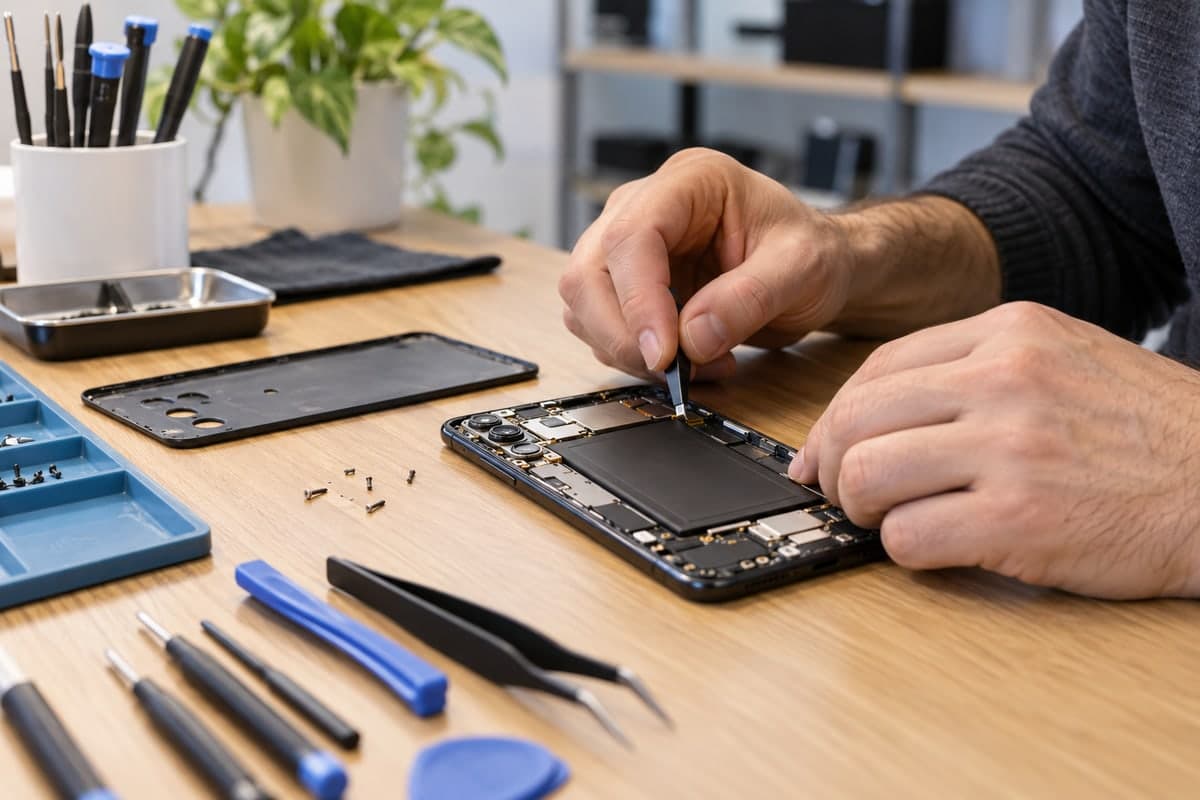
The battery has aged. A lithium-ion battery loses capacity over time. Battery University's figures show that deep cycles, heat and long periods at full charge all speed up that loss. An old phone that "used to last all day" may now hold much less.
How can you know before their phone switches off?
You cannot see someone's battery level without their agreement, and that is how it should be. If the person agrees, Maqbis lets them share their battery with you: they install the app on their Android phone (Android 7 or later), you send them an invitation link, and they accept.
From then on you receive an alert when their battery level gets low. You choose the level at which the alert starts, and the app can send another at a lower level. That alert is the moment to call: the phone is still on, the person can still answer, and a reminder to plug it in is often enough.
You also see, at any time, their battery level, whether the phone is charging, the battery temperature and the time of the last update, in your list of phone batteries.
What does it mean when their phone stops sending readings?
A followed phone sends its readings over the internet. When nothing arrives, the phone appears as offline in your list, with the time of its last update. You are not notified when this happens; you see it when you open the app. It can mean the phone is off, or that it has no network.
Once the phone is off, the app can only show you the last reading and when it arrived. That is why the low-level alert matters: it reaches you while the phone is still on, first at the level you chose and again at lower levels as the battery keeps dropping. If the last reading you see is a very low level, the battery most likely ran out.
Keep one thing in mind. When a phone is unplugged, lying still with the screen off, Android saves power with a mode called Doze, which restricts apps' network access and defers their background work to short maintenance windows. A phone left untouched on a table can therefore send readings less often. The Refresh button on its battery page asks it for a fresh reading, which arrives as soon as the phone can answer.
What should you check if their phone dies every day?
The battery page of a followed phone helps you find the likely cause, and then you can talk about it with the person:
| What you see in the app | Likely cause | What to do together |
|---|---|---|
| The level drops very fast on the 24-hour chart during normal use | Heavy use, or a worn battery | Look at the heavy uses listed above; if none explains it, have the battery checked |
| The temperature is often high | Heat from the sun, a car or charging | Keep the phone out of the sun and away from heat |
| The phone is rarely charging until it is nearly empty | Charging habit | Put a charger where the person actually sits |
| Charging is slow and the app points to the charger, cable or port | A weak charger or cable | Try another charger and cable |
| Android reports a battery health problem | A battery fault | Have the battery checked or replaced |
You can rename the phone in your list ("Dad", "Grandma") and call its owner directly from the battery page. If you follow several phones and one of them sends too many alerts, you can mute that phone only.
Which settings help their battery last longer?
Once you know the cause, a few settings from Google's Android Help can help, and are easy to set up during a visit:
- let the screen turn off sooner and lower the brightness;
- turn on adaptive battery and battery saver;
- turn on dark theme;
- turn off Bluetooth and location access when they are not used;
- use Wi-Fi instead of mobile data at home;
- keep Android and the apps up to date.
What can the app not do?
It is better to know the limits from the start. The app does not charge the other phone, does not turn it on once it has switched off, and does not control it remotely. It only brings you the battery readings and sends you alerts, and those readings need the other phone to be on and connected to the internet. Sharing also stays in the owner's hands: if they stop it, their battery disappears from your list and you are notified. The best approach is to agree on the purpose together from the start: to call in time, not to watch.
The short answer
A phone that is always off is rarely a mystery: forgotten charging, heavy use, heat, cold or an aged battery. With the person's agreement, Maqbis warns you when their battery level gets low, while the phone is still on, so you can call in time instead of worrying afterwards. It is free and without ads, and they can stop sharing whenever they want.
Frequently asked questions
How can I know when my mother's phone is about to die?
She shares her battery with you in Maqbis, after installing the app and accepting your invitation. You then receive an alert when her level gets low, from a level you choose, and you can call her while the phone is still on.
How do I know if the phone is off or just out of network?
The app cannot tell the two apart: in both cases no reading arrives, and the phone appears as offline in your list with the time of its last update. The last battery level it sent is your best clue: if it was very low, the battery most likely ran out.
Their phone dies every day even when charged. Is the battery worn?
It may be. Lithium-ion batteries lose capacity with charge cycles, heat and time spent full. Look at how fast the level drops on the 24-hour chart and at the battery health Android reports; if the drop is steep under normal use, have the battery checked.
Can I charge or turn on their phone remotely?
No. No app can charge a phone from a distance. What you can do is be warned in time and call the person so they plug it in.