Replace the battery when it holds less than about 80% of its original capacity, or earlier if the phone shuts down unexpectedly or drains right after a full charge. If the battery swells, stop using the phone at once.
A phone battery rarely fails all at once. It loses capacity a little at a time, and one day the phone that used to last until evening needs a charger by lunch. Knowing when that wear has gone far enough saves you from replacing a battery too early, or from living with a phone that dies at the worst moment.
How do you know your phone battery needs replacing?
Four signs come up again and again in manufacturer guidance:
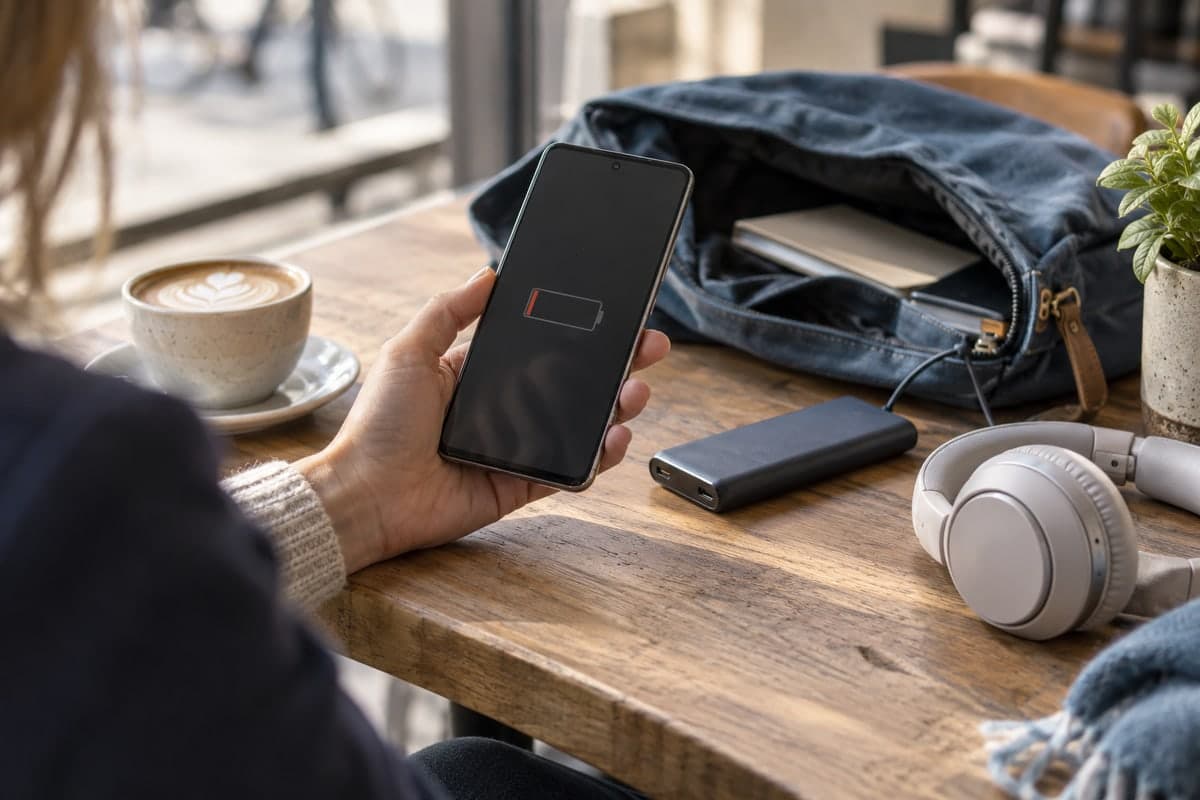
- The battery drains quickly after a full charge. Samsung lists this first among the signs of a battery that needs replacing.
- The phone shuts down unexpectedly, especially in the cold. Samsung mentions winter shutdowns, and Apple explains that a phone shuts itself down when an aged battery cannot deliver the power it needs.
- The phone warns you. A Pixel 8a or later shows Reduced in its Battery health screen, and a Galaxy may display a battery performance degradation alert.
- The battery swells. A bulging back cover or a phone that looks thicker than usual is a reason to stop using it, not just to plan a repair.
One of these alone is worth a closer look. Two or more together usually mean the battery is near the end of its useful life.
What battery health percentage means it is time to replace?
The industry threshold is 80% of the original capacity:
- Google shows a Pixel battery as Reduced when it holds less than 80% of its original capacity, and recommends replacing it at that point or when it reaches its rated cycle count.
- Apple designs iPhone batteries to keep 80% of their original capacity after their rated number of complete charge cycles under ideal conditions.
Below 80% the phone still works, but the shorter battery life becomes hard to ignore, and an aged battery is more likely to cause unexpected shutdowns.
Apple explains why: as a battery ages chemically, its internal resistance (impedance) rises, so it can deliver less power at any one moment. An iPhone with an aged battery may then manage its performance to avoid shutting down, which is why an old battery can make a phone feel slower, not only shorter-lived.
How many charge cycles before a battery wears out?
A charge cycle is a full 100% of capacity used, even if spread over several days: using half the battery today and half tomorrow makes one cycle. Here is what the manufacturers publish:
| Phone | Rated battery life |
|---|---|
| Pixel 3 to Pixel 8 Pro and Pixel Fold | Up to 80% capacity for about 800 cycles |
| Pixel 8a and later | Up to 80% capacity for about 1000 cycles |
| iPhone 14 models and earlier | 80% capacity at 500 complete cycles |
| iPhone 15 models | 80% capacity at 1000 complete cycles |
On Pixel 8a and later you can see the cycle count in Settings > About phone > Battery information. These numbers are design targets under good conditions. Heat and long hours at full charge shorten them.
Is it the battery, or an app draining it?
Before paying for a new battery, rule out the software. Apps left running in the background, a very bright screen or long sessions of navigation, video or games can drain a healthy battery quickly. Google's Android help suggests a few checks:
- Open Settings > Battery and look at which apps used the most power, then restrict the ones that use too much.
- Reduce screen brightness and let the screen turn off sooner.
- Use Wi-Fi instead of mobile data where you can, and Airplane mode when you do not need the mobile network.
- Turn on Battery Saver to see whether the drain slows down.
If the drain stays high with these settings and no app stands out, the battery itself is the likely cause.
What should you do if the battery is swollen?
Stop using the phone and do not charge it. In its Pixel 7a repair program, Google describes the symptoms as visible swelling, a phone that looks thicker than usual, or a back cover that bulges or separates, and recommends that you stop using the device. Google also asks owners to dispose of a phone and its battery according to local rules, never with household waste, because of the risk of fire. Take the phone to the manufacturer or an authorized repair centre.
Where should you replace a phone battery?
Use the manufacturer's service or an authorized repair centre. Samsung directs Galaxy owners to a Samsung service centre or Samsung Support when the battery shows these signs, and Apple recommends a battery service when the health of an iPhone battery is significantly degraded. A proper repair also means the old battery is recycled correctly.
How can Maqbis help you decide?
Maqbis estimates how much of its original capacity your battery still holds, from the most recent discharge of the past week compared with the capacity the battery was designed for. Below 80%, it says so plainly: "Capacity below normal, replacement advised". The figure is an estimate from the phone's own readings, not a lab measurement, and it needs the phone to report its design capacity; on phones that do not, the app shows that the original capacity is unknown. Next to it, the battery page gathers the evidence for the other signs above:
- Battery health as Android reports it. If it ever shows dead, overheat or over voltage instead of good, that is a fault reported by the phone itself.
- A 24-hour chart of the battery level, so a battery that falls much faster than before is visible at a glance rather than a vague feeling.
- Temperature, voltage and charging current, plus how long the last charge took.
- Notifications when the level is low or the temperature is high.
Read together with your phone's own Battery health screen or Samsung's diagnostics, this makes the decision more concrete. Maqbis is free on Android 7 and above, without ads or subscription.
Should you replace the battery or the whole phone?
If the phone still gets software updates and does everything you need, a new battery is often enough to bring back a full day of use. A replacement restores capacity and the ability to deliver power, which fixes the shorter battery life and the unexpected shutdowns caused by an aged battery. If the phone no longer receives updates or is too slow for your apps, the battery will not change that, and it may be time to look at a new phone instead.
Frequently asked questions
Is 80% battery health the point to replace it?
It is the common threshold. Google marks a Pixel battery as Reduced below 80% and recommends a replacement then, and Apple designs iPhone batteries to keep 80% of their capacity after a rated number of cycles. Below that, battery life gets noticeably shorter.
Is it dangerous to keep using a worn battery?
A battery that has only lost capacity is not a safety issue in itself; Apple says a degraded battery does not mean a safety concern. A swollen battery is different: Google recommends that you stop using the device.
Why does my phone turn off at 20% in the cold?
Apple explains that unexpected shutdowns happen most often when the battery has low charge, advanced chemical age or is cold, because the phone shuts down to protect itself when the battery can no longer deliver the power it needs. Frequent shutdowns in normal conditions are a sign of an aging battery.
How long does a phone battery last in years?
Manufacturers rate batteries in charge cycles, not years: about 800 to 1000 cycles for recent Pixel phones and 500 to 1000 for iPhones, keeping up to 80% capacity. How many years that means depends on how often you charge and how warm the phone gets.
Sources
- Understand your Pixel battery - Pixel Phone Help
- iPhone battery and performance - Apple Support
- Determine when your Samsung Galaxy phone battery needs replacing
- Extended Repair Program for Pixel 7a - Pixel Phone Help
- Get the most life from your Android device's battery - Android Help
- Get the most out of your Galaxy phone or tablet battery