Free & No ads.
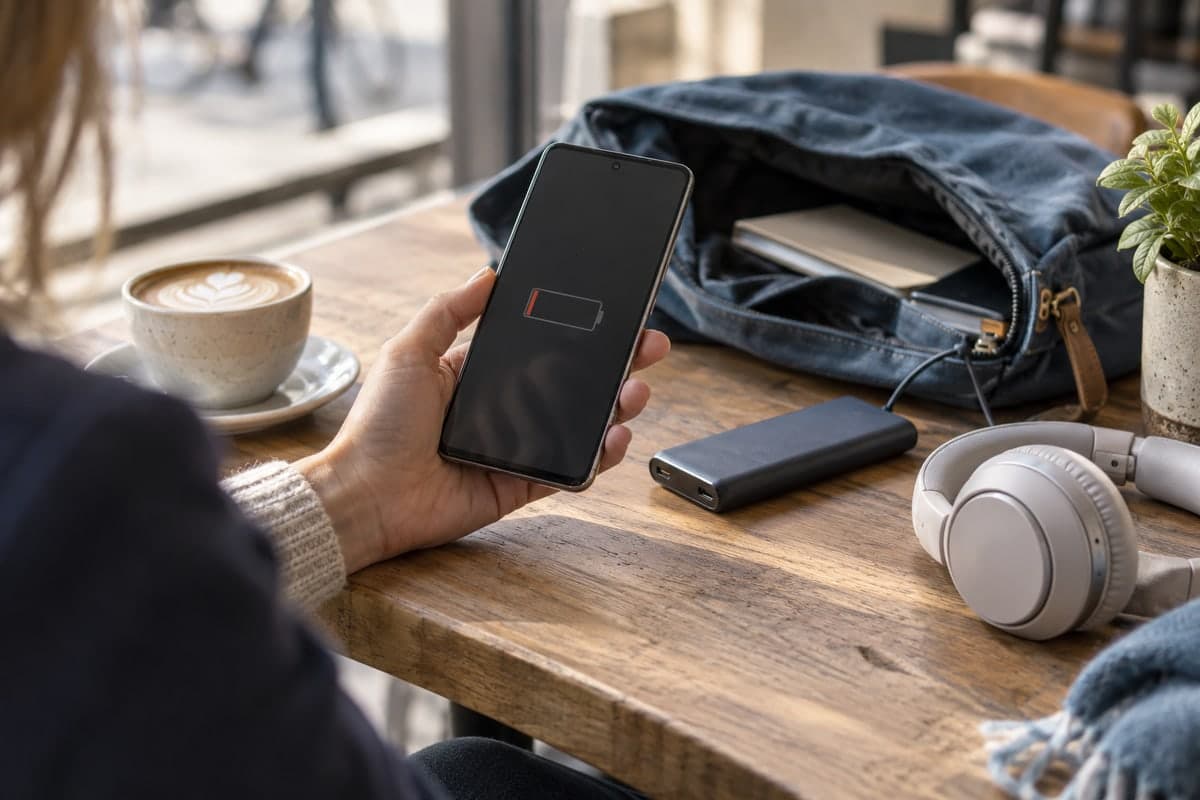
How much life is left in your phone battery?
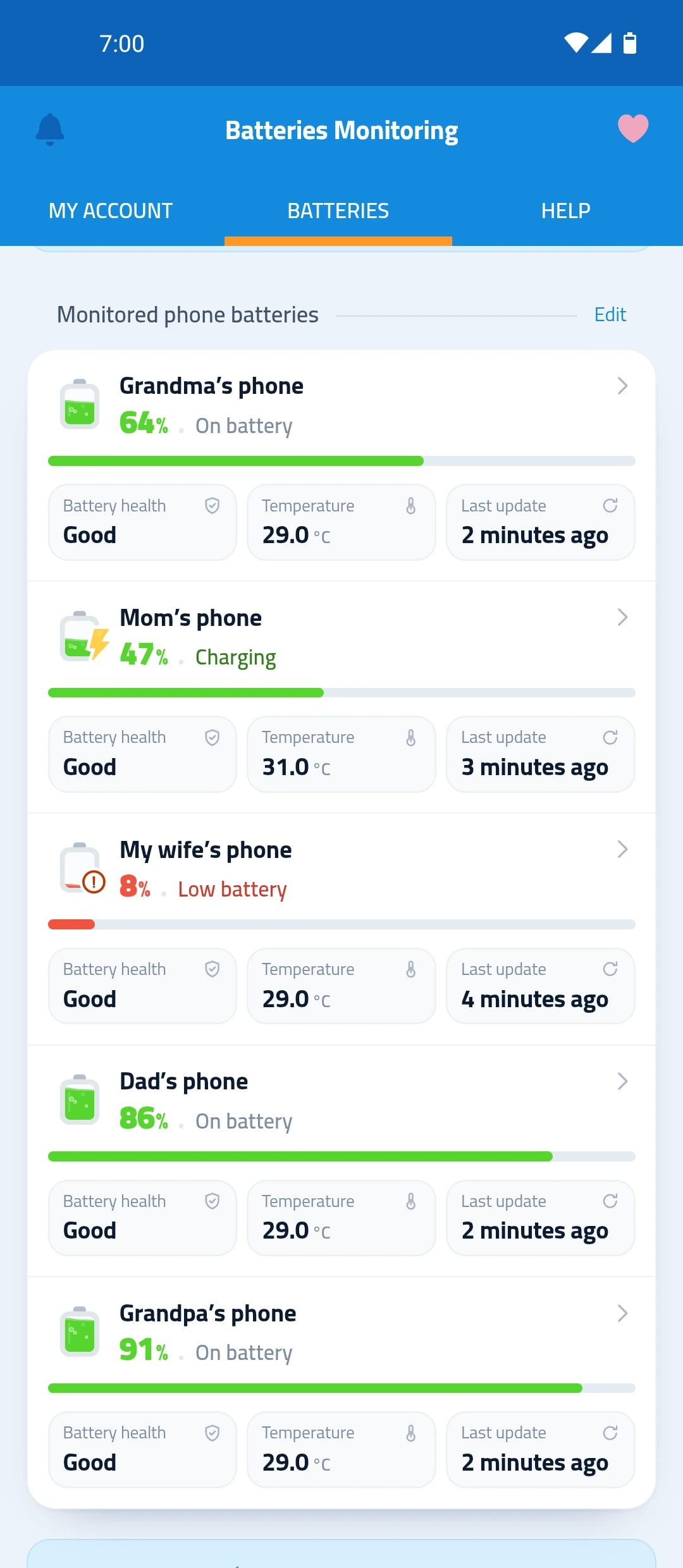
The multi-device battery monitoring app “Maqbis” reads the battery status from your phone and compares its current capacity with the original one, so you know when it needs replacing.
- Battery condition
- Remaining original capacity
- Next charge
What you see about your battery’s health
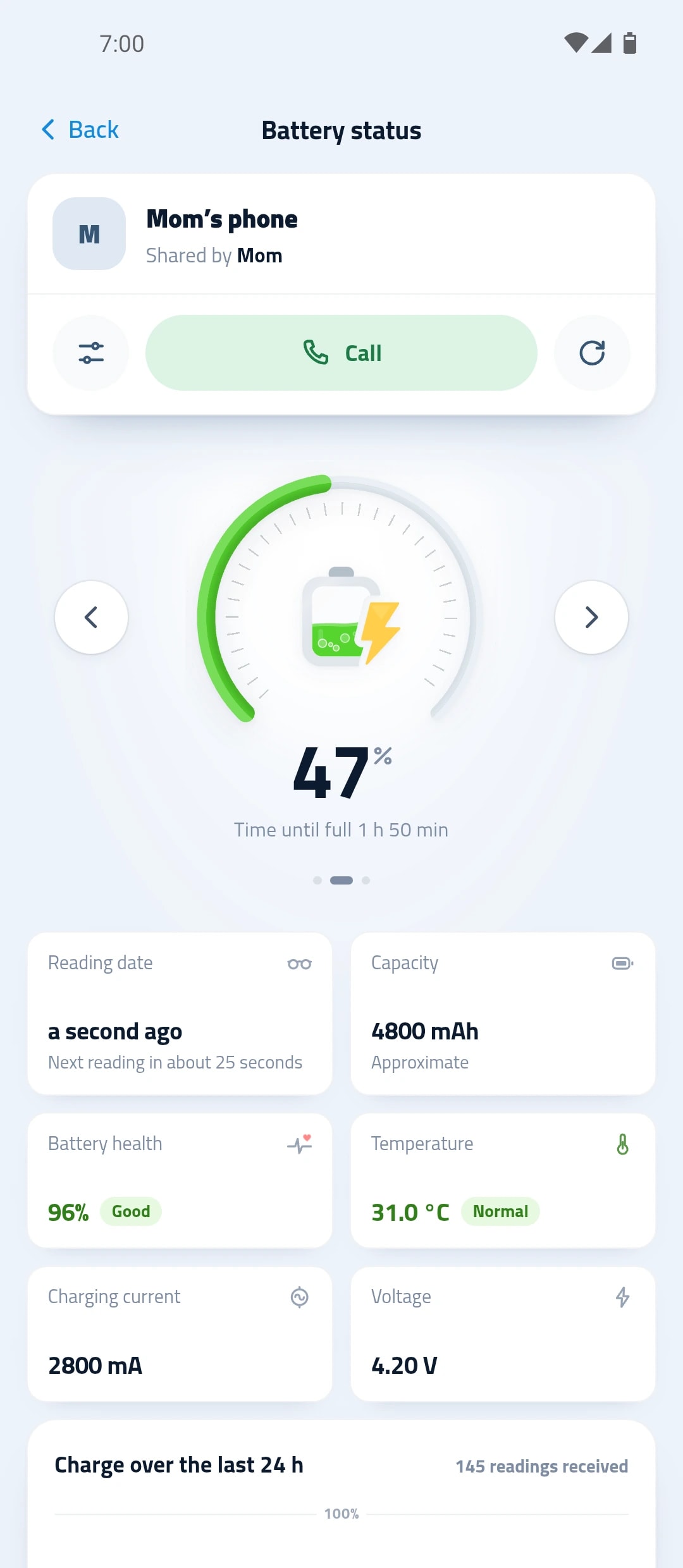
Readings that explain the battery, not just its level.
Battery condition
Good, fair or poor, plus any fault the phone reports.
Remaining original capacity
How much of the battery’s original capacity is left.
Next charge
When the battery will run out, and when it needs the next charge.
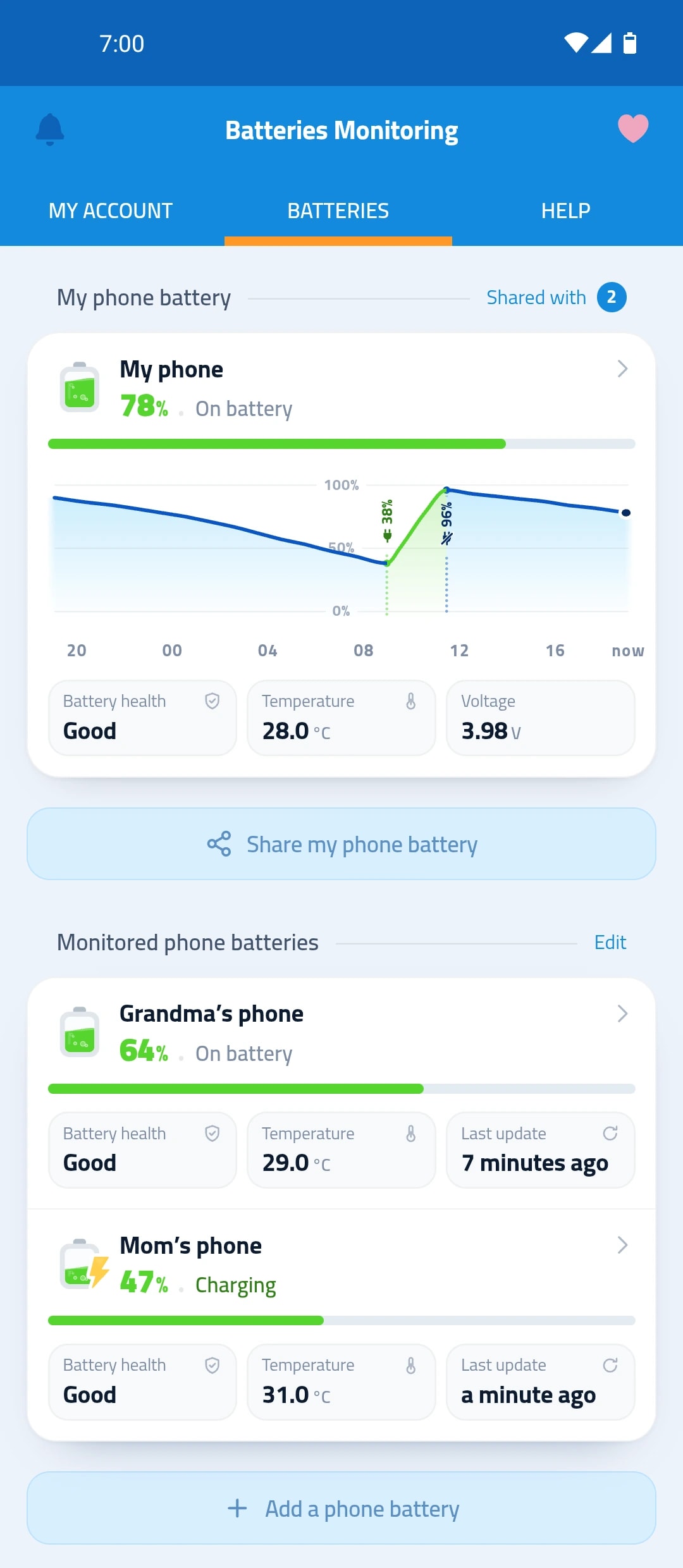
Last 24 hours
When you charged your phone and when its level dropped, in one curve.
How battery health shows up
Install the app
Sign in, and it starts reading your phone’s battery.
Use your phone as usual
The app measures the capacity while the battery discharges.
Read the battery health
After a recent discharge, it shows how much of the original capacity is left.
Its health, temperature and charging speed
Everything about the battery on one screen, read from the phone itself.
- Battery condition as the phone reports it
- A replacement tip when capacity drops below normal
- Battery temperature, and whether it’s in the safe range
Questions about battery health
How do I check battery health on Android?
Install the multi-device battery monitoring app “Maqbis” and open your battery screen. You see its condition as the phone reports it and, once a recent discharge is measured, how much of its original capacity is left.
Why doesn’t the capacity show right away?
The app measures it from a discharge of the battery in the last week, and compares it with the capacity the battery was designed with. If that original capacity is unknown, the app says so.
When should I replace my phone battery?
When its capacity falls below normal, the app tells you and advises replacing it.