Free & No ads.
Is your charger really fast?
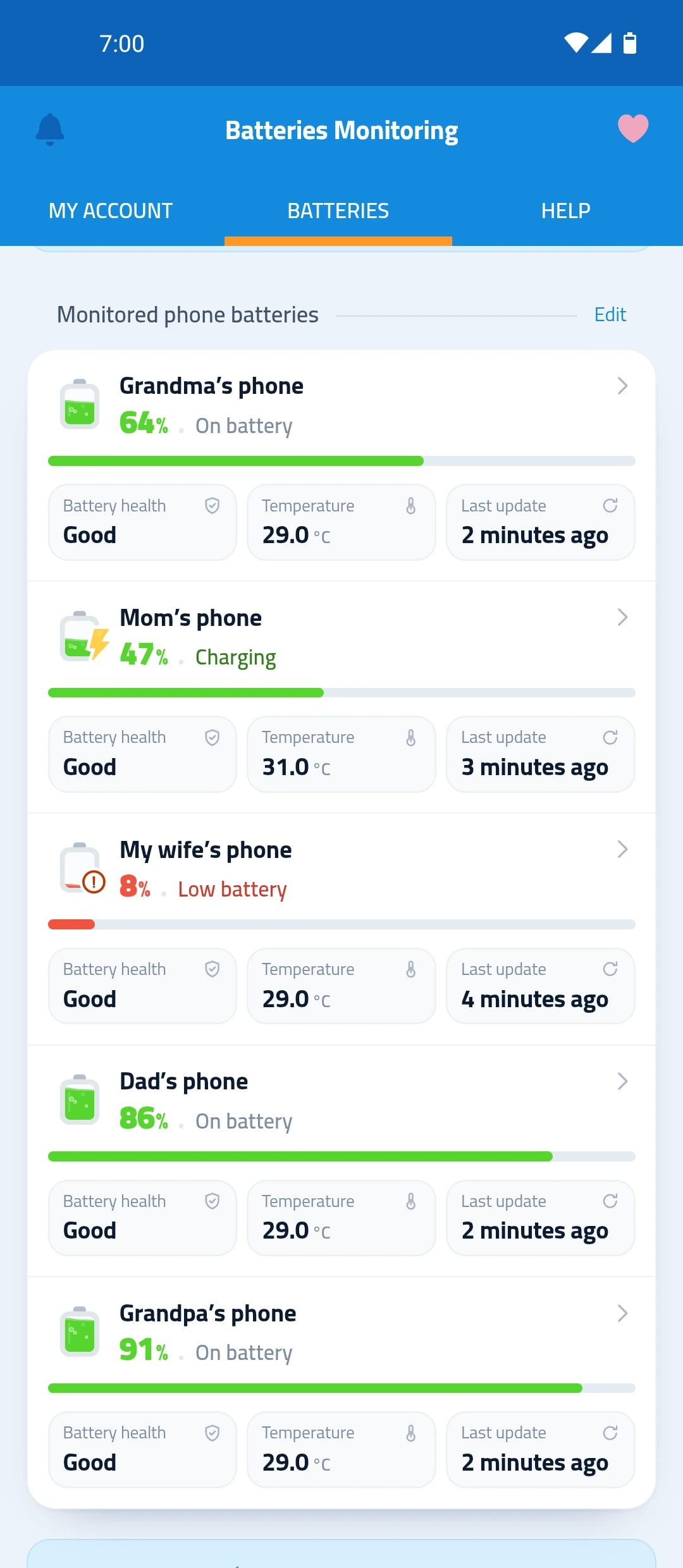
The multi-device battery monitoring app “Maqbis” measures charging power in watts at the battery, and tells you if the charger, cable or port is weak.
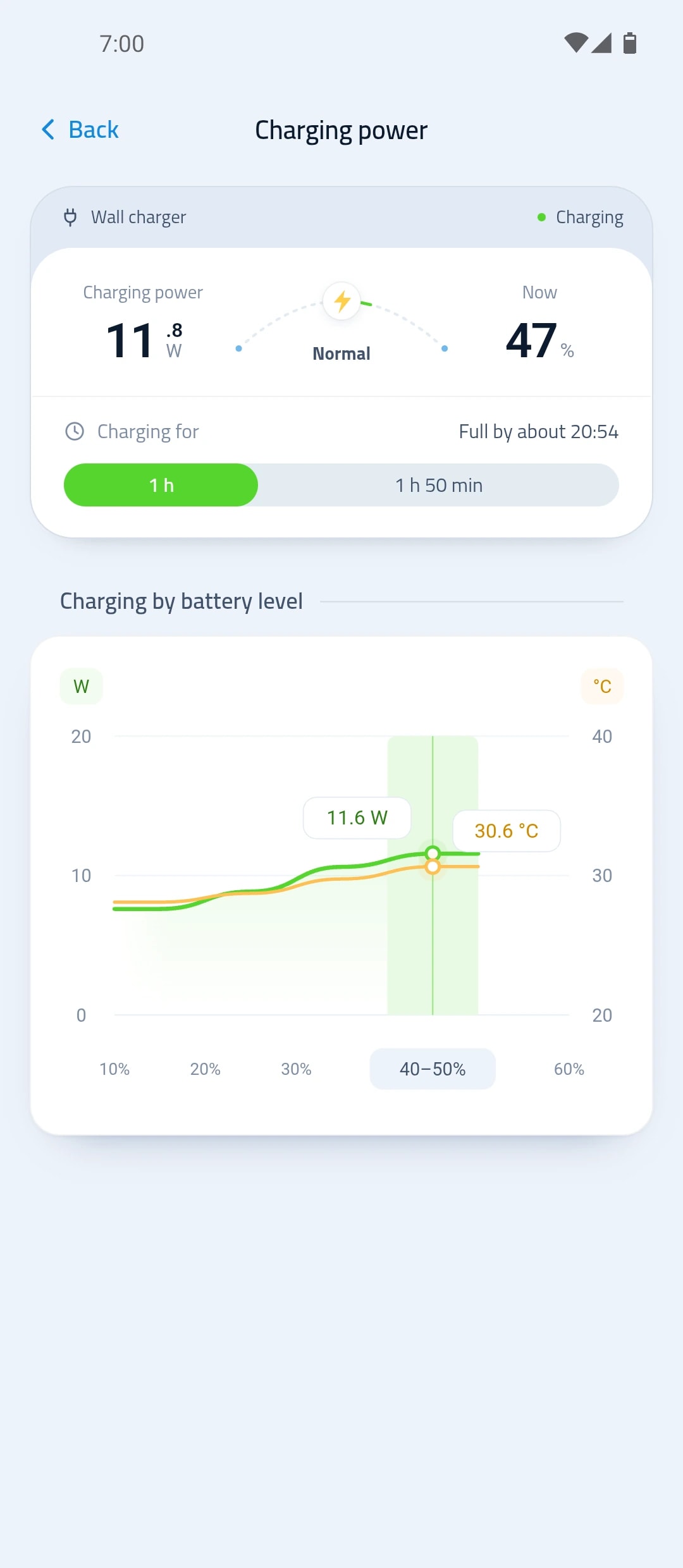
- Charging power now
- Power by level
- When it will be full
What you see while charging
Charging readings as the battery itself measures them.
Charging power now
In watts, with its average since the charger was plugged in.
Power by level
A chart of charging power and temperature at every battery level.
When it will be full
The time left until the battery is full.
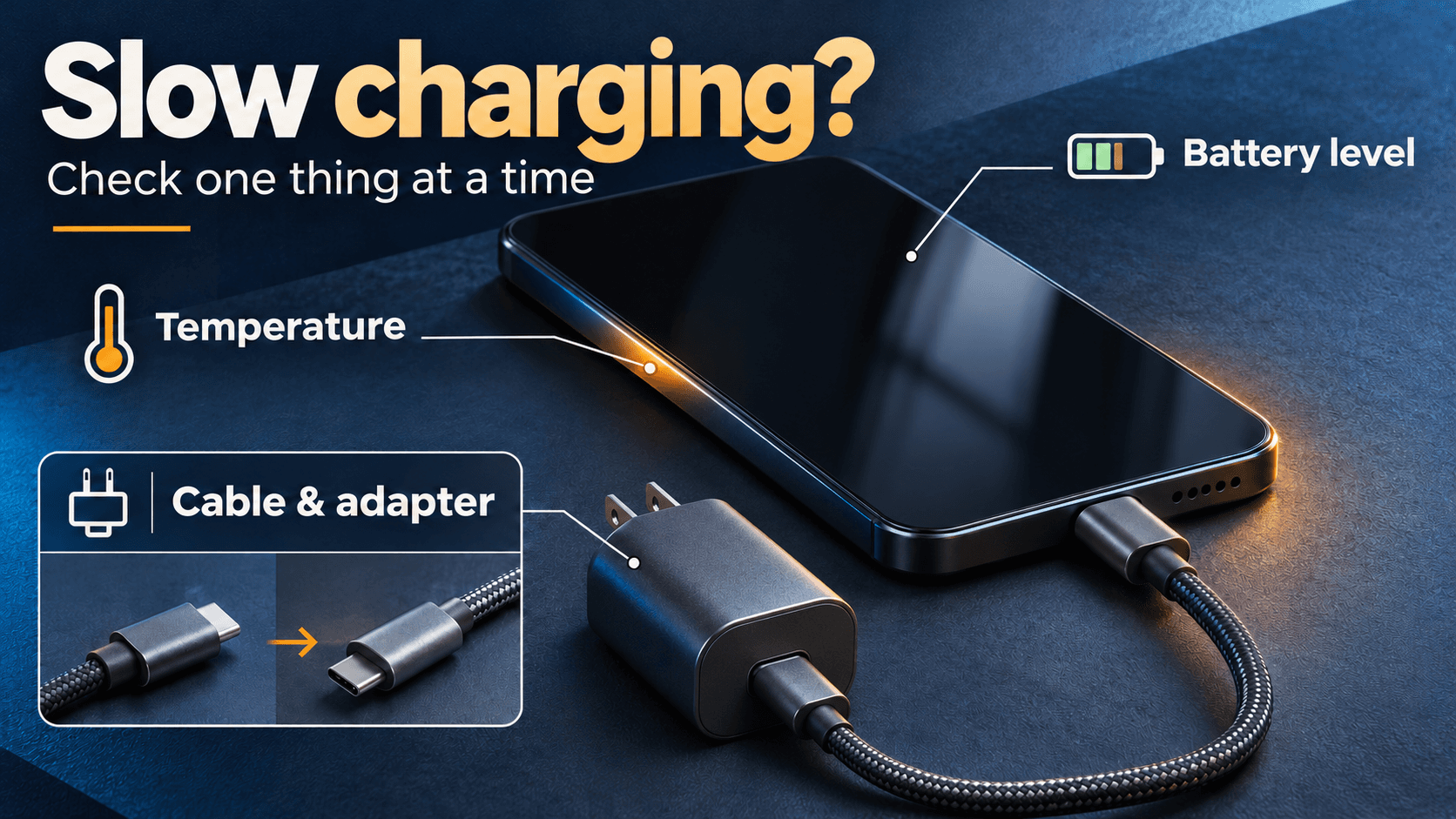
Why charging is slow
A weak charger, cable or port, a hot battery, or a level past 80%.
How to read charging power
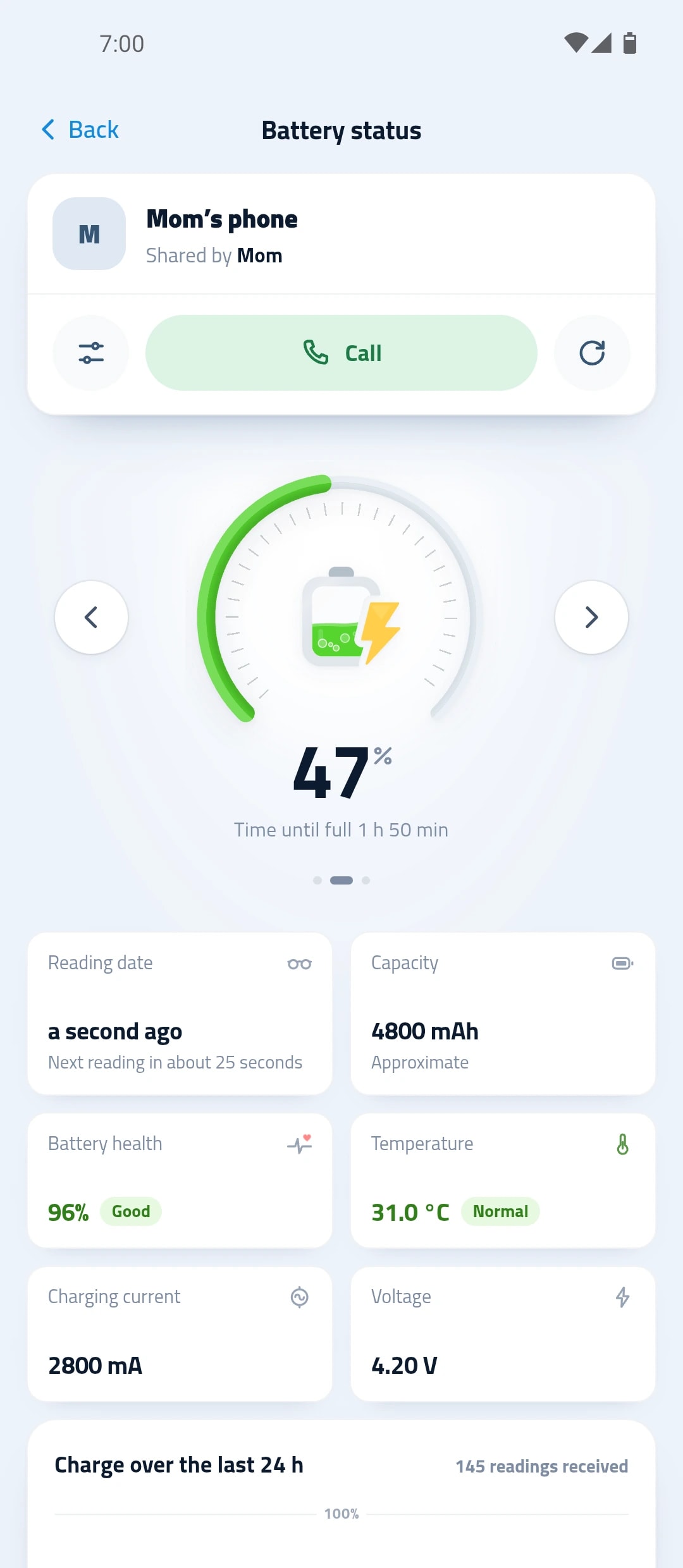
Plug in the charger
Charging power readings start with the charge.
Watch the power
See the power now, its average, and the time until full.
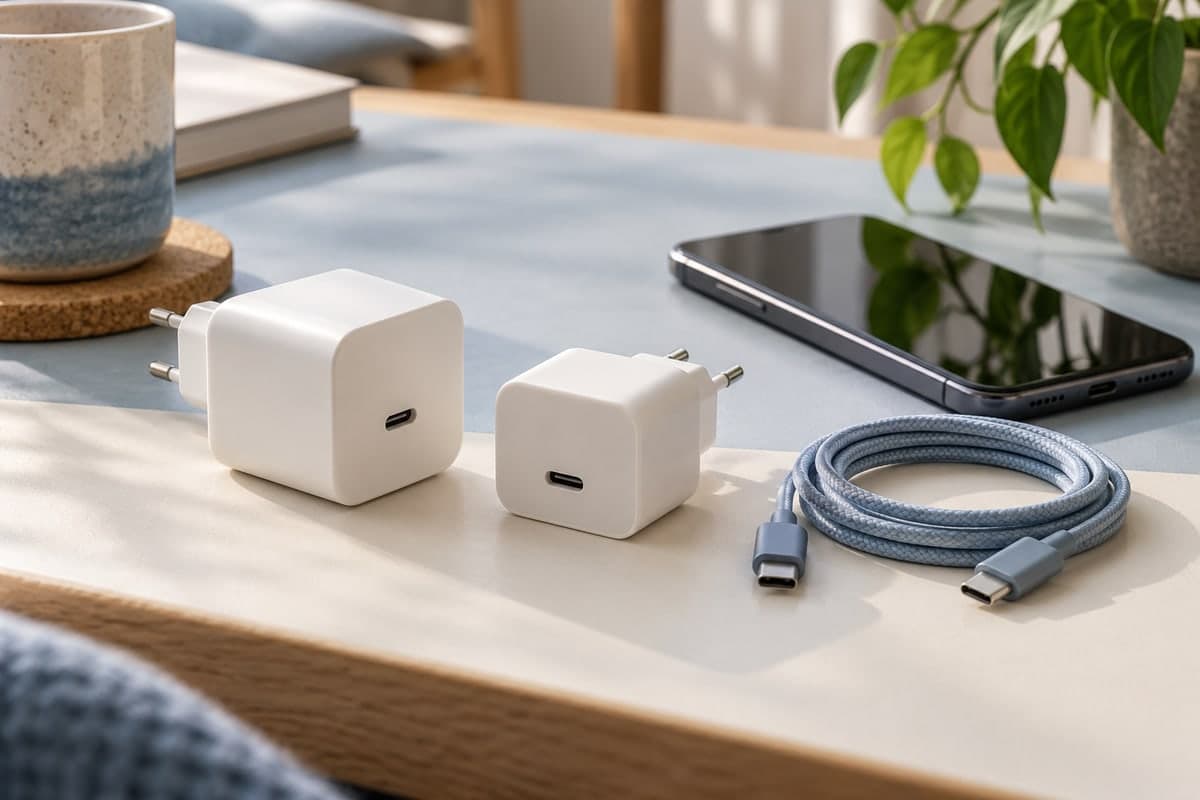
Compare your chargers
Try another charger or cable, and see which one is faster.
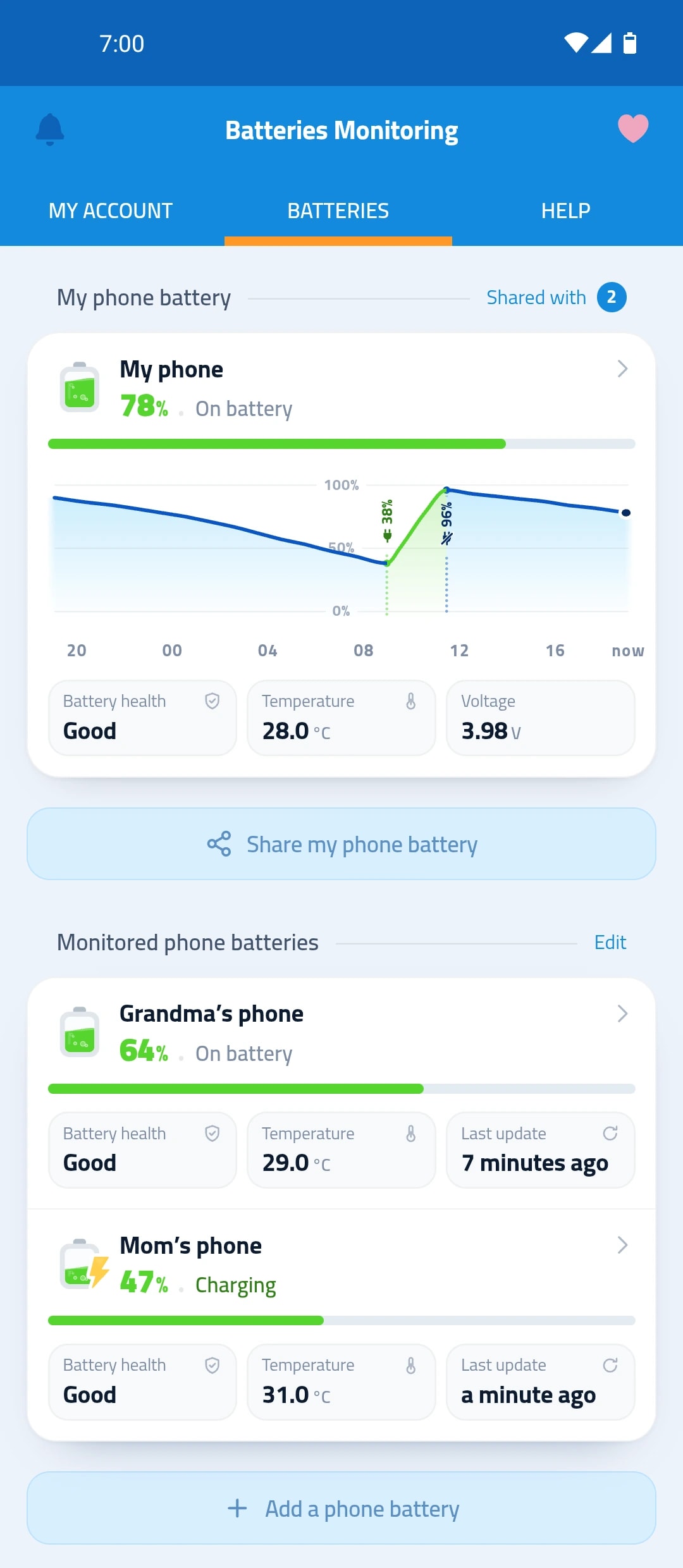
The last 24 hours in one curve
When you charged your phone, how long it took, and when its level dropped.
- Date and length of the last charge
- Power of the last charge
- Number of charges in the last 7 days
Questions about charging power
Why does charging slow down past 80%?
Power normally drops after 80%: the phone slows the charge to protect the battery.
Why is the power different from the number on my charger?
Power measured at the battery can vary as the battery fills, and may differ from the rating on your charger.
Does the app tell me when charging is slow?
Yes. A notice shows the reason: a weak charger, cable or port, a hot battery, or a level past 80%.