To see a family member's phone battery from your own phone, both of you need an app that shares it, and the other person has to agree. With Maqbis, you send an invitation link, they install the app on their Android phone and accept, then their battery level, charging state and temperature appear in your list, with an alert when the level gets low.
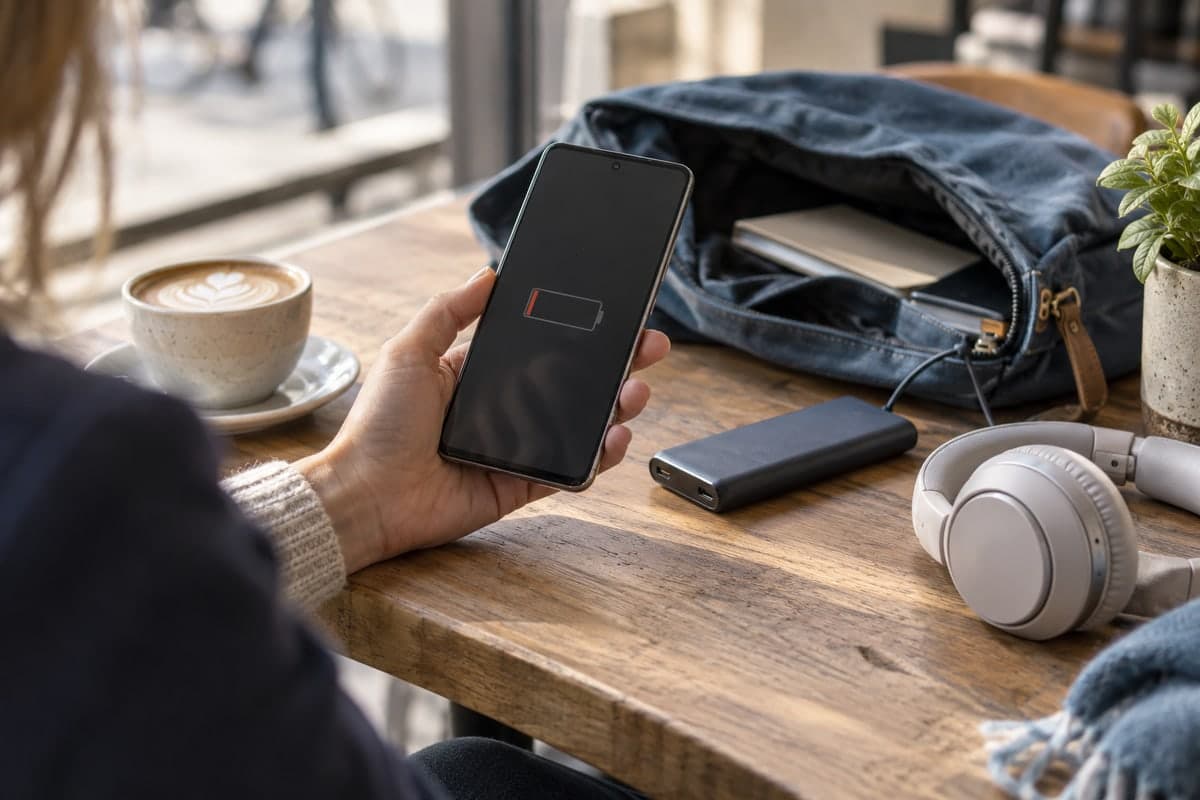
You call your mother and the phone rings out. Your son does not answer after school. Most of the time there is nothing wrong: the phone simply ran out of battery. Knowing the battery level of a family member's phone does not replace a call, but it tells you at once whether the silence is a flat battery, and lets you remind them to charge before it happens.
Can you see another person's phone battery from your own phone?
Yes, but not on your own. The battery level is measured on the phone itself, so it has to be sent from that phone to yours. That means an app on both phones, and the agreement of the person whose battery you want to see.
This is a good thing. Battery sharing should never be something done behind someone's back. In Maqbis, nothing is shared until the other person accepts, and they can stop sharing whenever they want.
What do you need before you start?
Check these points first:
| What | Why |
|---|---|
| An Android phone with Android 7 or later, for each person | Maqbis is an Android app |
| The app installed on both phones | Readings are sent from one app to the other |
| An account for each person | Sharing links one account to another |
| An internet connection on the shared phone | Readings travel over the network |
| The other person's agreement | They accept the invitation themselves |
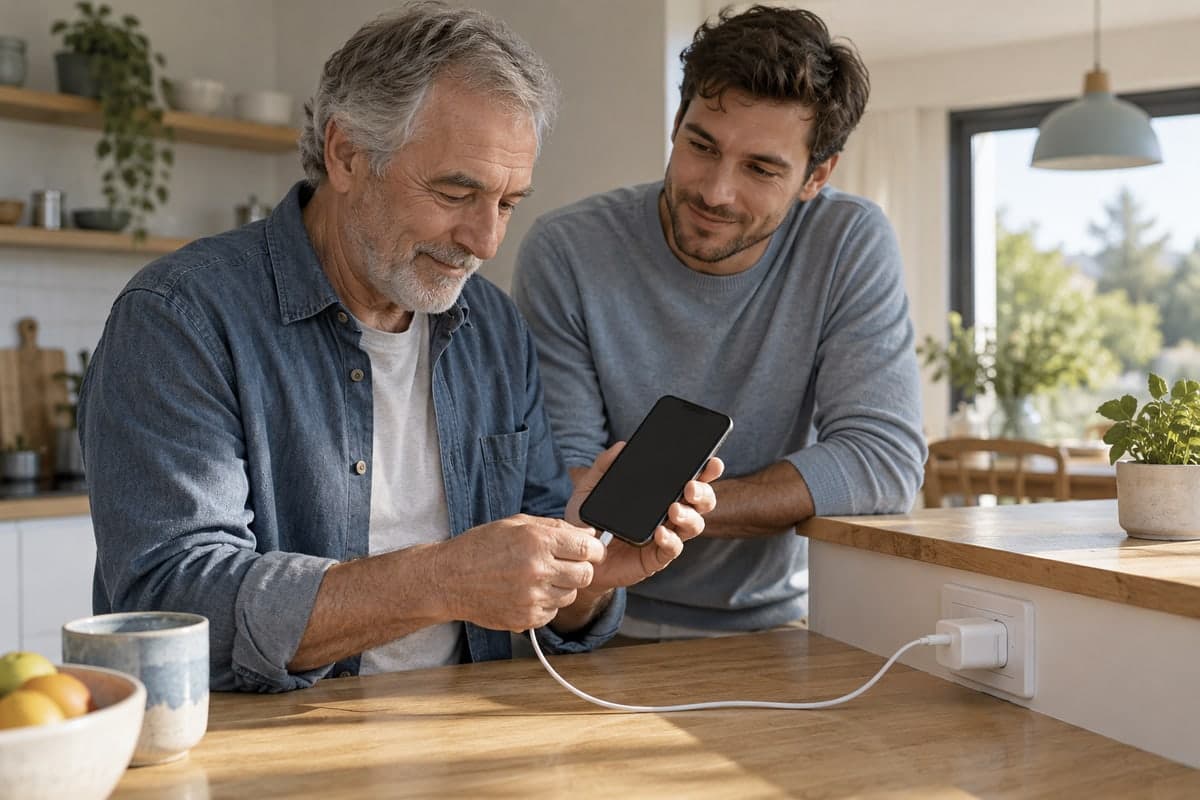
If the person is not comfortable with phones, a parent for example, the simplest way is to install the app with them, on their phone, and accept the invitation together.
How do you share a phone battery with your family?
There are two ways, depending on who starts.
You want to follow someone's battery. On the batteries tab, tap "Add a phone battery". The app creates an invitation: the other person scans the code with their camera, or you send them the link, for example on WhatsApp. They open it in the app and accept. Their battery then joins your list.
You want others to see your battery. On your own battery card, tap "Share my phone battery", then send the link or let the other person scan the code. As soon as they accept, they see your battery.
Sharing works one phone at a time, so a family can set it up in both directions: children follow their parents, parents follow their children, everyone sees what they need.
What do you see once the battery is shared?
Each followed phone appears in your list with:
- its battery level,
- whether it is charging,
- the battery temperature,
- the battery health reported by Android,
- the time of the last update, so you know how fresh the reading is.
Opening a phone shows its battery page with more detail, including a chart of the battery level over the last 24 hours. From that page you can call the owner directly, rename the phone in your list ("Dad", "Lina's phone") and turn off its notifications if you do not need them. A Refresh button asks the other phone for a new reading; it answers as soon as it can.
Which alerts do you receive?
You do not have to open the app to keep an eye on things. Notifications reach you when:
| Event | What you receive |
|---|---|
| The battery level is low | An alert, from a level you choose, then another at a lower level |
| Charging is complete | An alert that the battery is full |
| The battery gets too hot | An alert with the temperature reached |
You choose which of these notifications you receive, and you can silence one phone only, which stops all of its alerts.
The low-level alert is the useful one for family: when your father's phone gets low in the evening, you can call him while he can still answer and remind him to plug it in.
How do you stop sharing or following?
Sharing is not a final decision, and either side can end it. If you follow someone's battery and no longer need to, open its battery page and tap "Stop following". If you are the one sharing, open "Shared with" on your battery card to see the accounts that follow you, then tap "Stop sharing" for the one you choose.
In both cases the battery is removed from the list for good, and it only comes back if its owner shares it again. The other side is notified, for example that someone no longer follows your battery, or no longer shares theirs with you. Everyone knows where they stand.
Why can a reading arrive late?
Be realistic about what any monitoring app can do. The readings depend on the other phone being on and connected to the internet. If it has no network, or if it is off, nothing can arrive; the app then shows the time of the last update and, after a while, marks the phone as offline.
Android also saves battery on purpose. When a phone is unplugged, still and with the screen off, Android enters a mode called Doze: it restricts apps' access to the network and postpones their background work until short maintenance windows. As soon as the phone is moved, the screen turns on or a charger is connected, Android leaves Doze and apps work normally again. In practice, a phone lying untouched on a table can send its readings less often than a phone in use.
That is why the time of the last update matters as much as the level itself.
How can you help a family member's battery last longer?
Seeing the level is half the job. If a parent's phone often runs low, Google's Android Help suggests simple settings you can set up with them:
- let the screen turn off sooner and lower the brightness, or set it to adjust automatically;
- turn on adaptive battery, dark theme and battery saver;
- turn off Bluetooth and location access when they are not needed, and use Wi-Fi instead of mobile data when possible;
- keep the phone cool, and keep the system and apps up to date.
A charger where they actually sit, by the bed or the armchair, is also worth considering.
The short answer
You can follow the battery of your parents' or children's phones from your own phone, as long as both of you install the app and the other person agrees. With Maqbis it is an invitation link, an acceptance, and then their level, charging state and temperature in your list, with an alert before the battery runs out. It is free, without ads, and either side can stop sharing at any time.
Frequently asked questions
Can I see someone's battery level without them knowing?
No. With Maqbis the other person installs the app and accepts the invitation themselves. They can stop sharing at any time, and the battery then disappears from your list.
Does the other person need the same phone as me?
No, but both phones must run Android 7 or later, because Maqbis is an Android app.
What can the people I share with see?
Your battery readings, with your username, photo and phone number so they can call you. Your first and last name and your other private details are not shown.
Can I follow several family members at once?
Yes. Every phone shared with you appears in the same list, and you can rename each one, for example Mum or Grandpa, to recognise it at a glance.
Does it cost anything?
No. Maqbis is free, without ads and without a subscription.