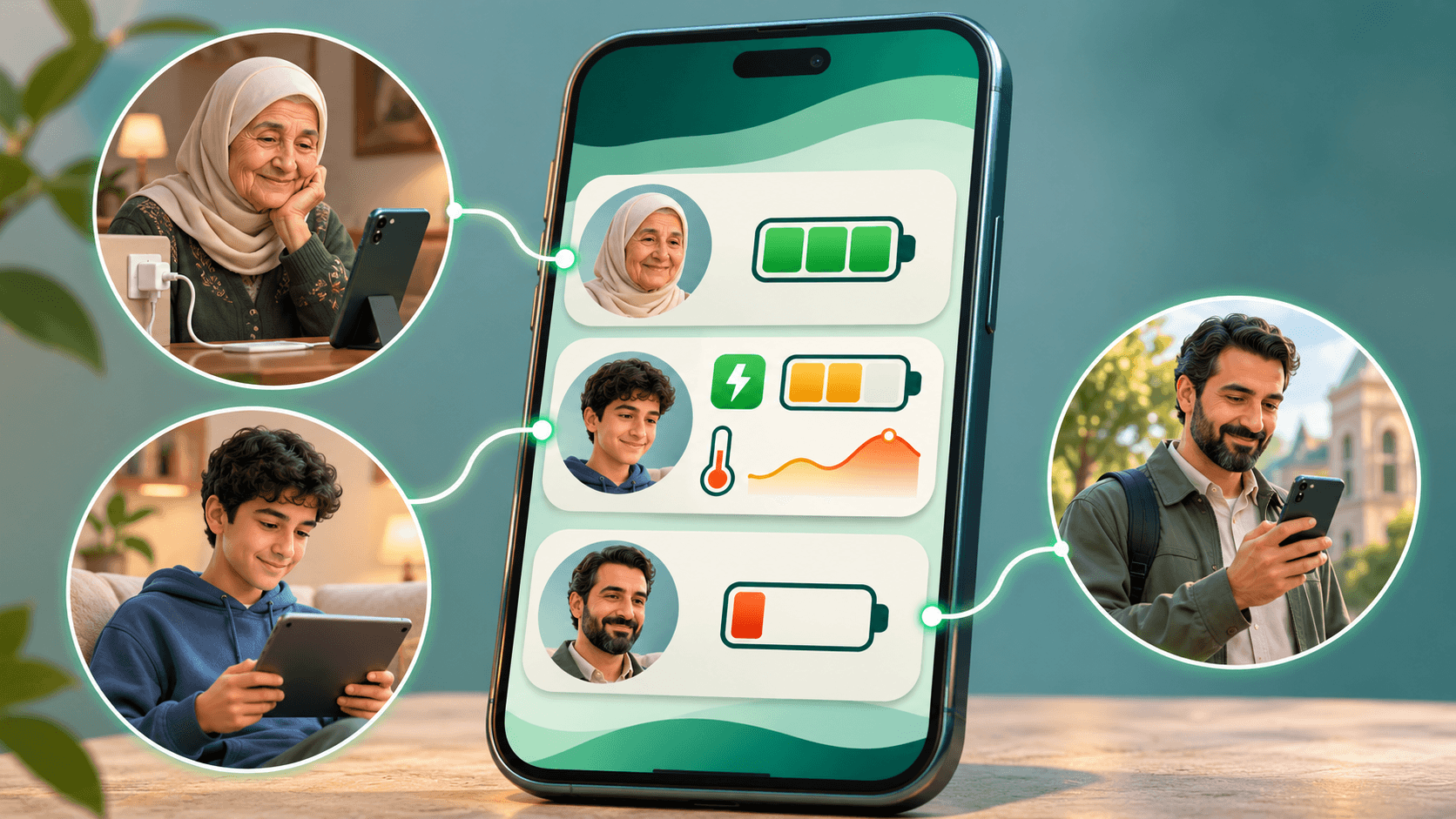
Free & No ads.
Share with family & friends
Choose who can follow your battery, and follow theirs with their agreement. Free & No ads.
- Battery level
- Following only with consent
- Last update
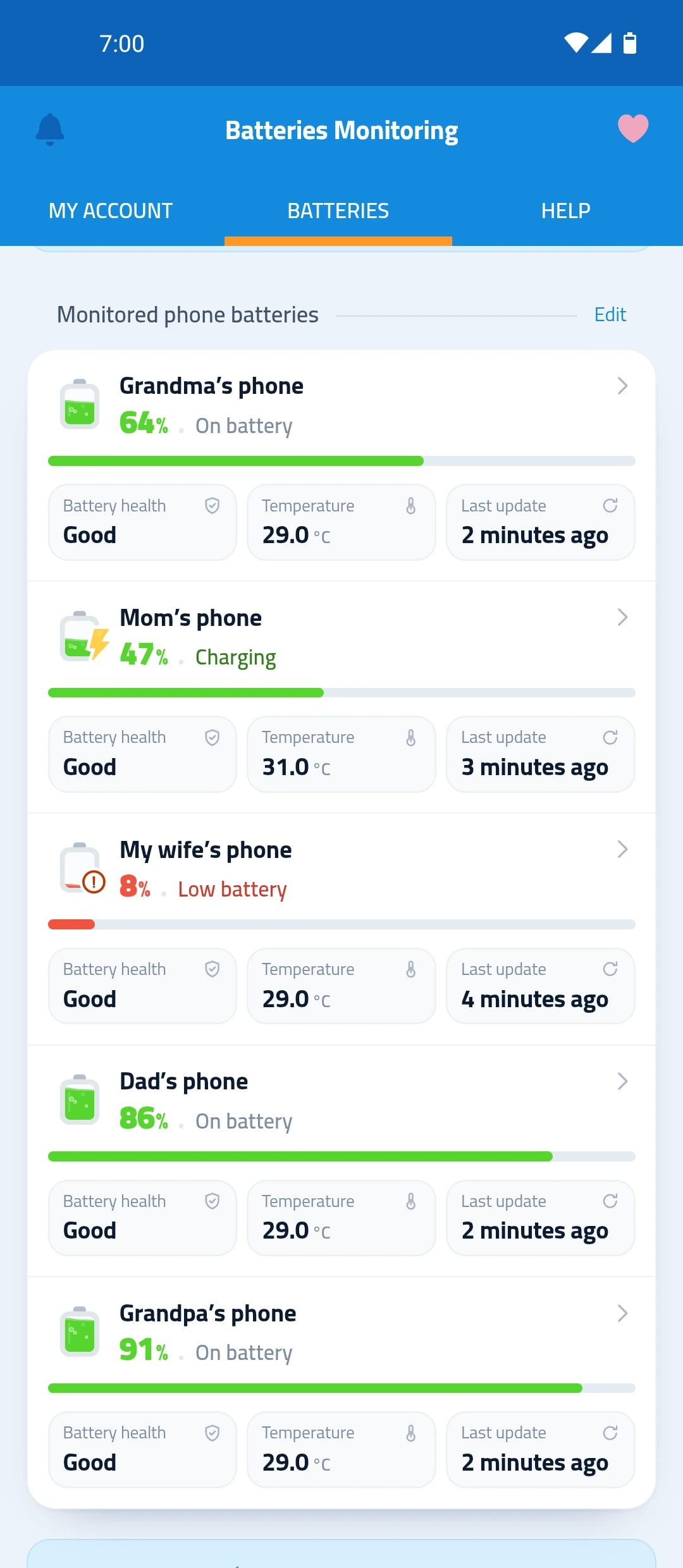
What you see for every phone you follow
One card per phone, with what you need to know.
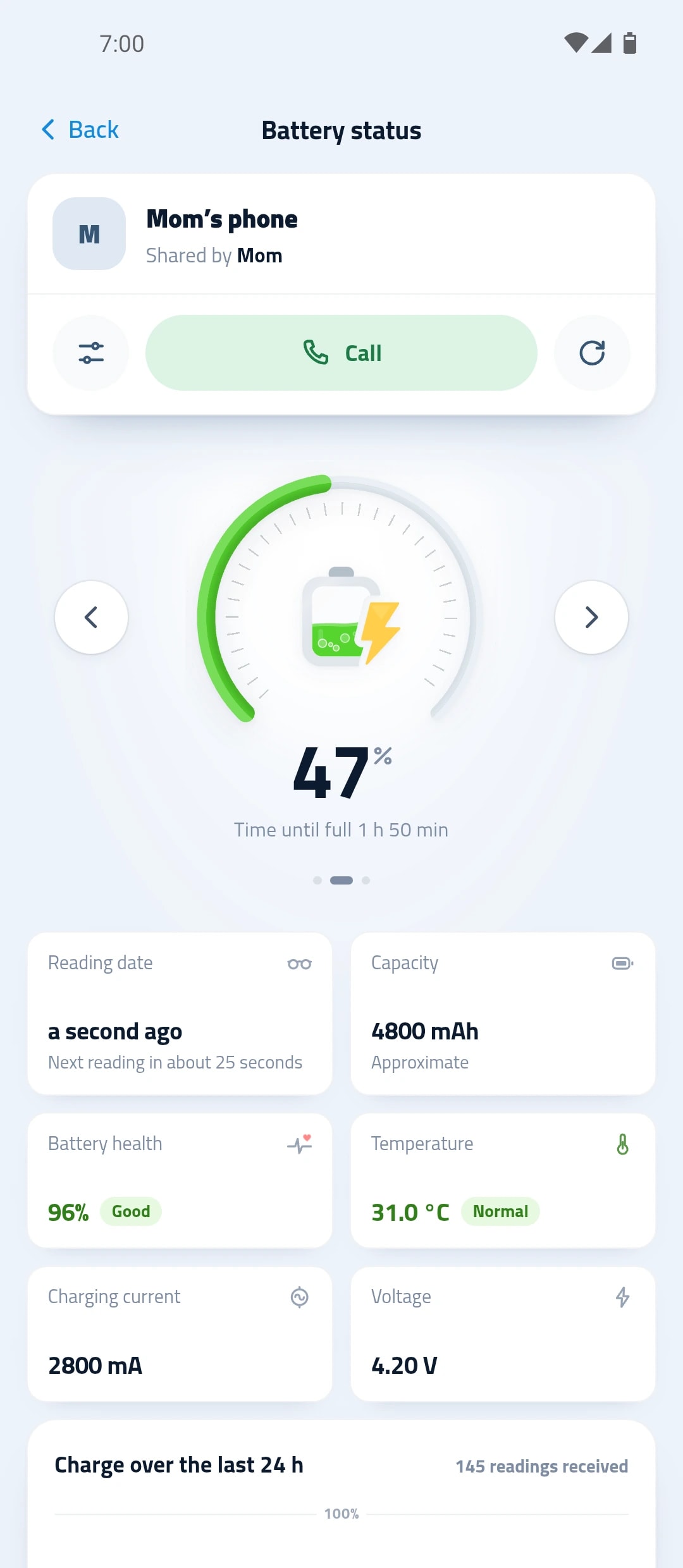
Battery level
Each phone’s battery level, and whether it’s charging.
Following only with consent
Choose who can follow your battery, and follow theirs with their agreement.
Last update
When the last reading arrived from each phone.
Timely alerts
When someone’s battery runs low. A phone that stops sending shows as offline, with the time of its last update.
How to start following
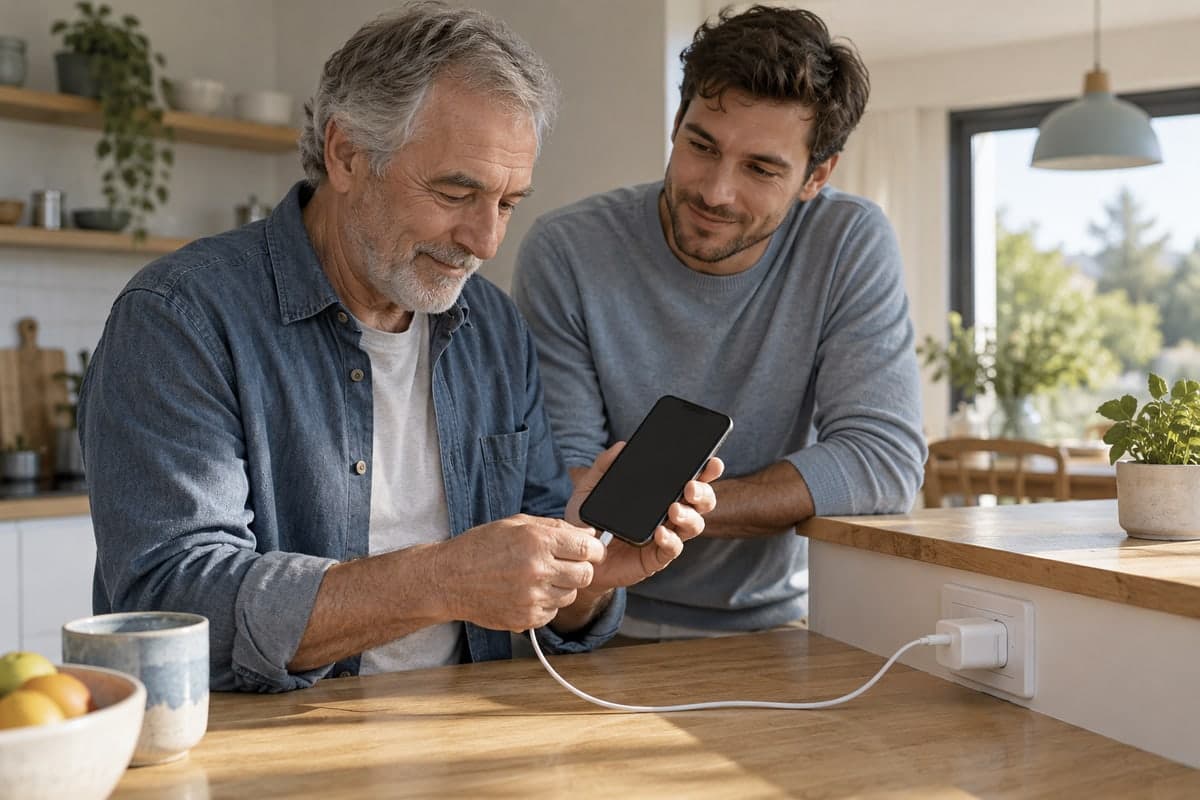
Install the app on both phones
Install on your phone and on your family’s and friends’ phones.
Send an invite
As a link, or as a code they scan with their camera.
They accept
Their phone’s battery appears in your list.
Following only with consent
No phone’s battery appears on yours until its owner accepts the invite.
- Share your battery, or ask to follow theirs
- Call the owner from their battery screen
- Stop sharing or following whenever you want
Questions about family sharing
Does the person know I follow their battery?
Yes. Following only starts once they accept the invite in the app.
How do I send the invite?
From the app: send the link, for example through WhatsApp, or show a code the other person scans with their camera.
How do I stop sharing?
In the app’s sharing list, choose “Stop sharing”. The account is removed from the list for good, and only comes back with a new share.
More about battery sharing
All articles