Free & No ads.
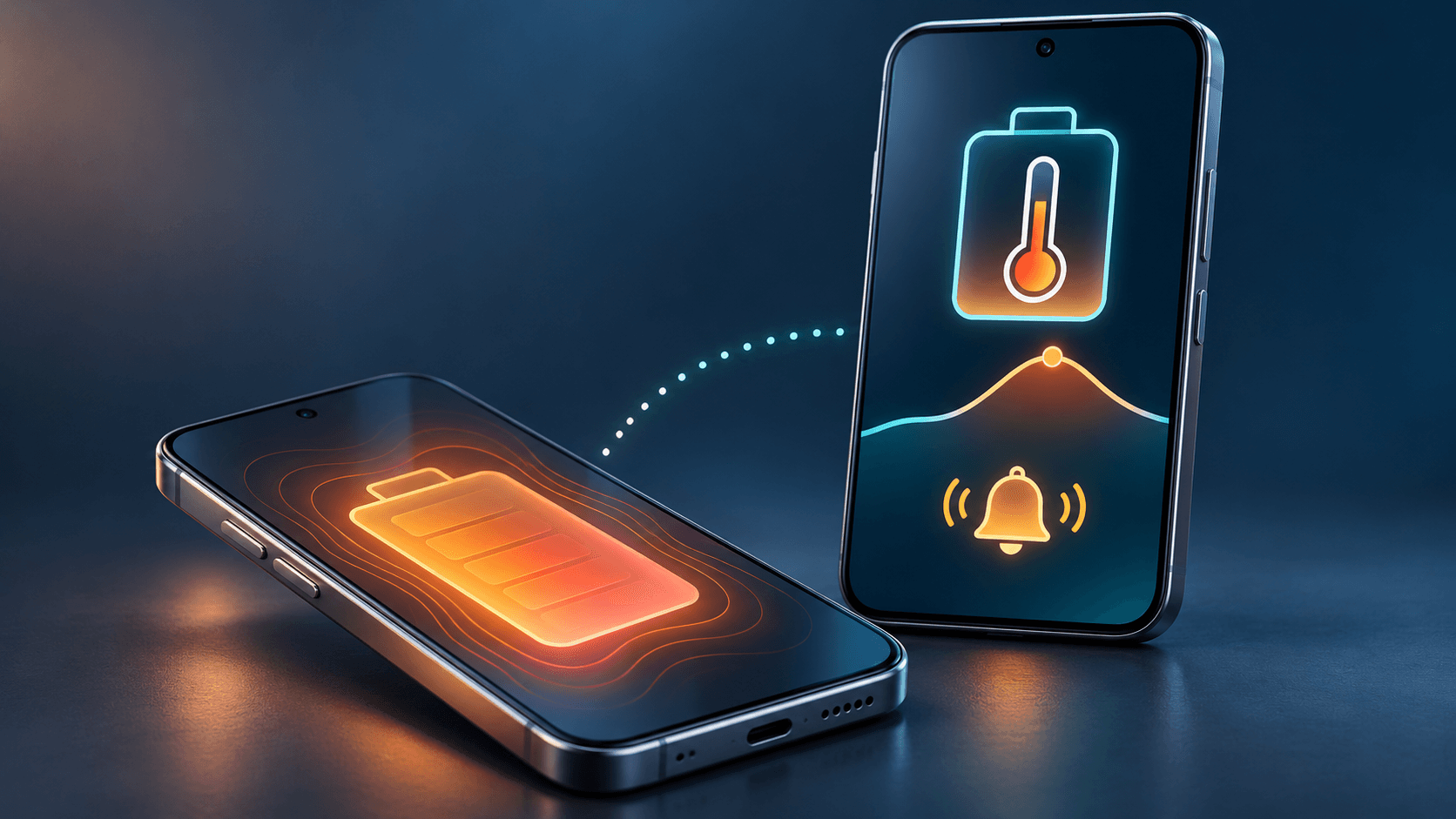
Battery alerts, right on time
Low-battery alerts help you remind someone to charge or get in touch while they still can.
- Low battery level
- High temperature
- Charge complete
The alerts you get
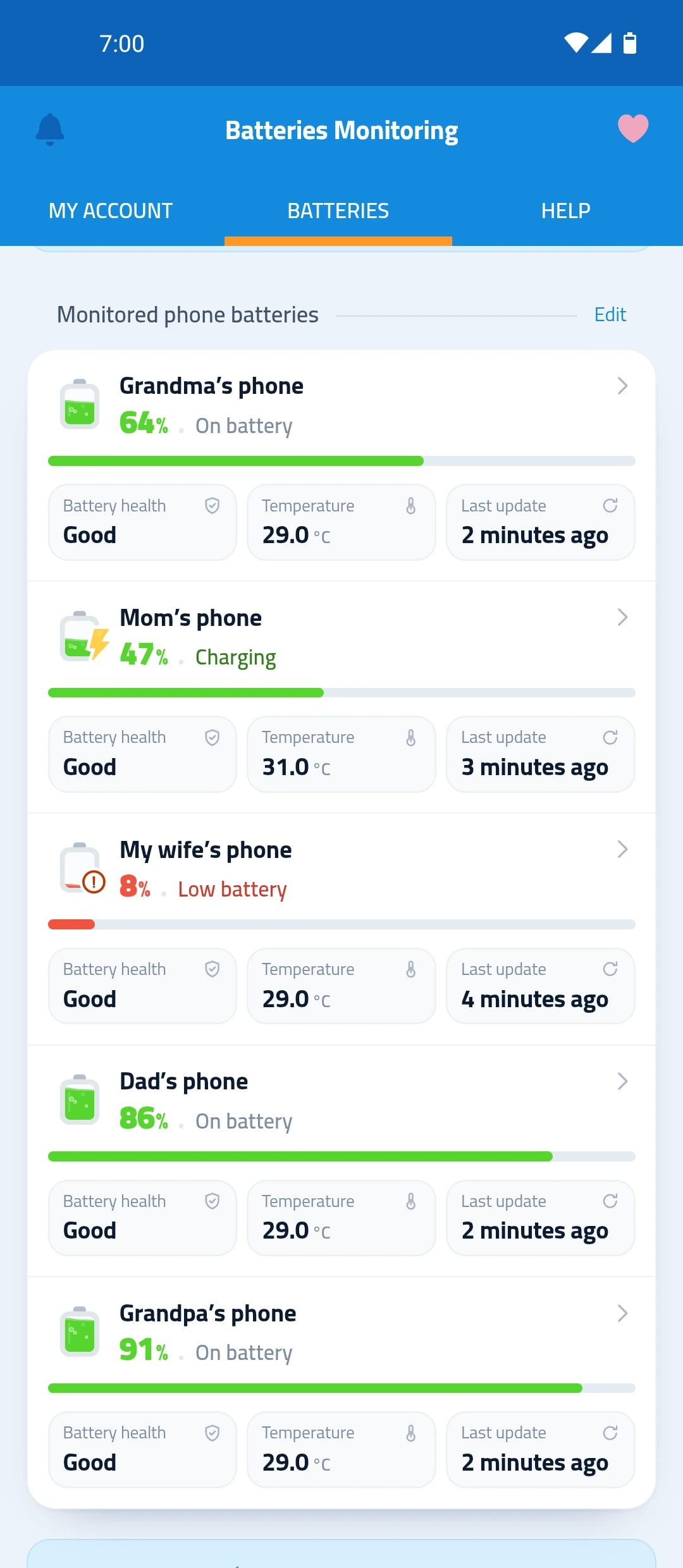
For your phone, and for every phone you follow.
Low battery level
You choose the level where alerts start, then a new alert at a lower level.
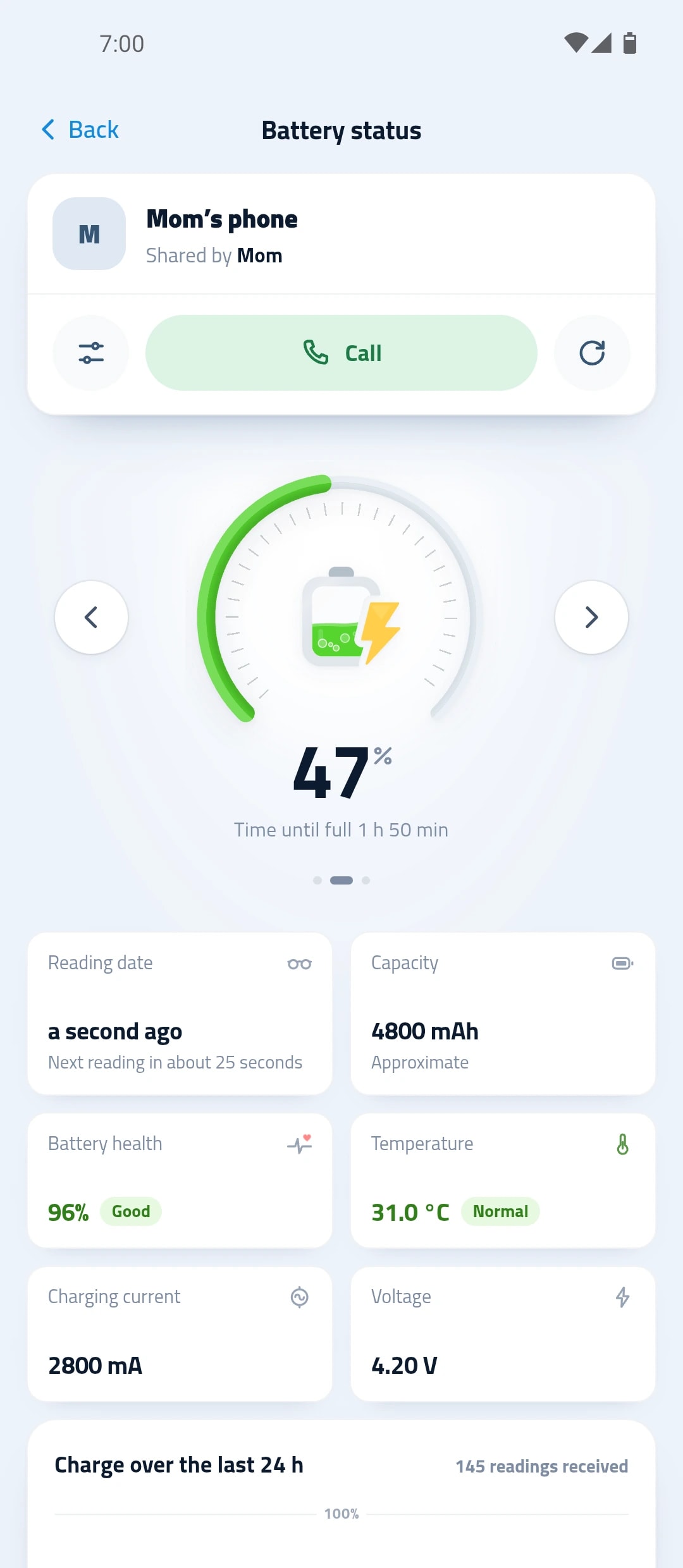
High temperature
When a phone’s battery gets hot.
Charge complete
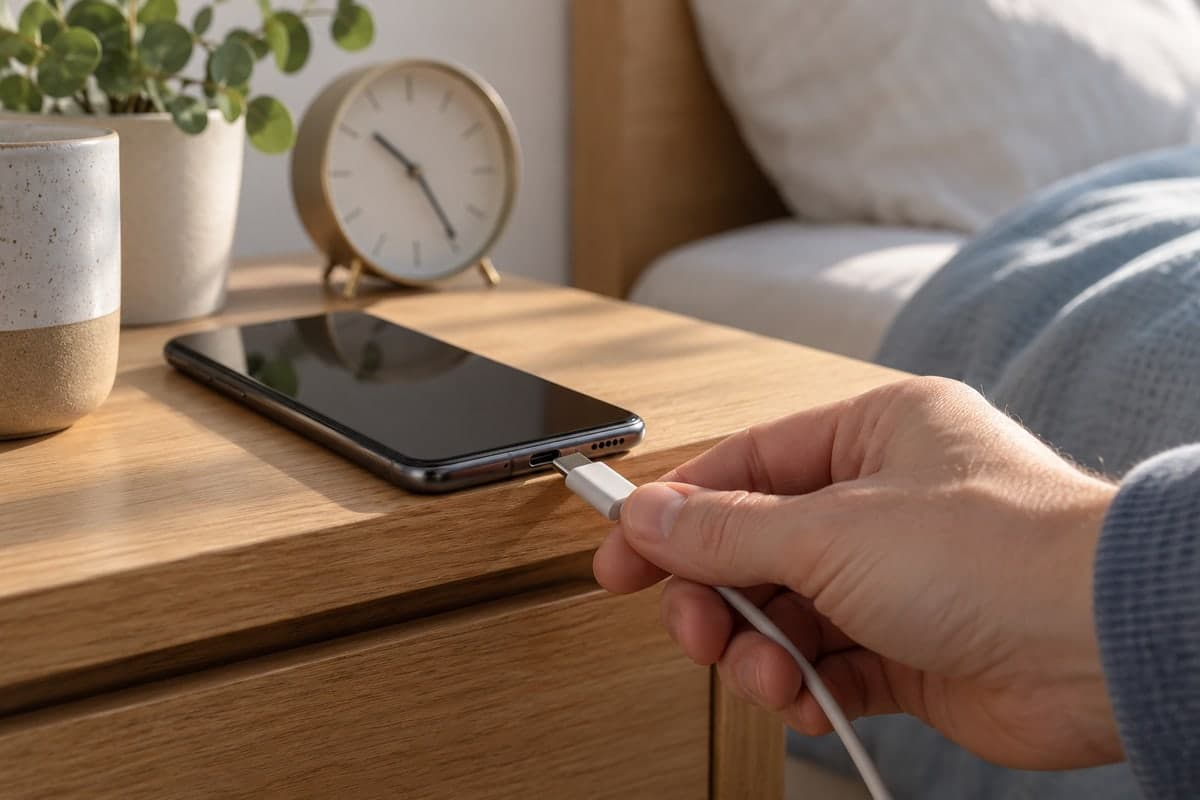
When the battery is full, so you unplug in time.
Charging problems
When charging is slow, or the phone is plugged in but not charging.
How to set up alerts
Install the app
And sign in on your phone.
Pick what matters
In the notification settings, turn on the alerts you want and choose the low level.
Get the alert
A notification on your phone when it happens.
An alert before the phone dies
The alert starts at the level you choose, then a new one arrives at a lower level.
- Charge complete, when the battery is full
- A phone plugged in but not charging
- Slow charging
Questions about alerts
Do I get alerts about my family’s phones?
Yes. Alerts from every phone you follow reach you too, with the owner’s name.
Can I turn off a specific alert?
Yes. The notification settings have switches for low battery level, full charge and high temperature.
What does “Phone plugged in, battery not charging” mean?
The charger is connected but the battery isn’t charging. Try another charger or cable.