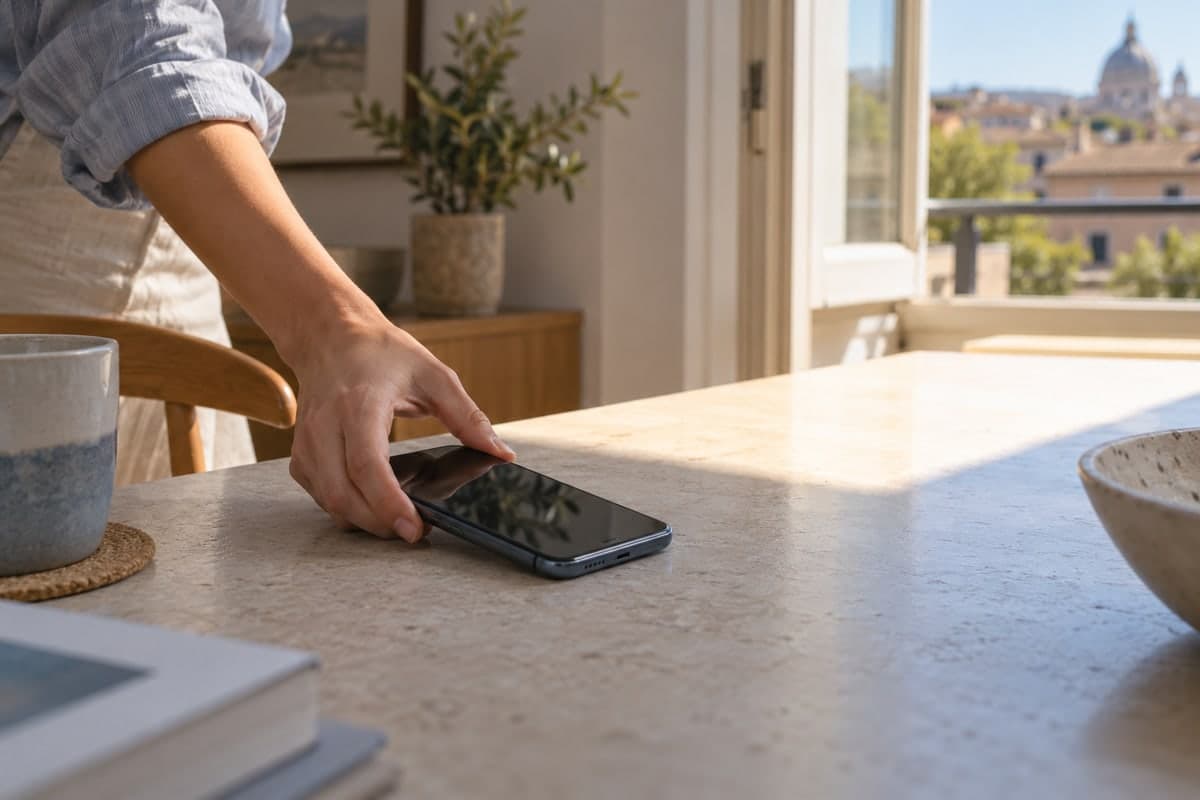
A phone battery produces some heat while charging and powering the device. The phone gets warmer when you play games, record video for long periods or use power-hungry apps, especially while charging. Sunlight or poor ventilation can make that heat harder to dissipate. This is explained in battery heat research and Google's guidance on hot phones.
Why does your phone get hotter?
Heat can come from how you use your phone, where you keep it, or a problem that needs checking. Noticing when it happens helps you choose the first step:
- Heavy use: Games, video recording, video calls and using your phone as a hotspot run functions that consume considerable power. The phone may get warmer when these activities continue for a long time or run while it is charging.
- Charging: Charging a battery produces heat, and the phone may feel warmer during fast or wireless charging. Warmth alone does not prove the battery is damaged, but uncomfortable heat means you should stop using the phone and let it cool.
- The surroundings and where you keep the device: Direct sunlight and a hot car add heat from outside. Keeping the phone in an enclosed space or covering it while charging limits heat dissipation.
- Damaged accessories or a device problem: Heat can be associated with a damaged cable or charging port. Background apps or a weak network signal can also increase power consumption. If the problem continues after you have ruled out obvious usage conditions, a professional assessment is more useful than repeatedly trying different charging setups.
Samsung lists these conditions among the causes of phone heat, while Google explains the effects of heavy use and ventilation. Touching the case or checking one temperature reading therefore cannot pinpoint the source of the heat.
How can you reduce heat and stay safe?
Install the multi-device battery monitoring app “Maqbis” and track temperatures from your phone
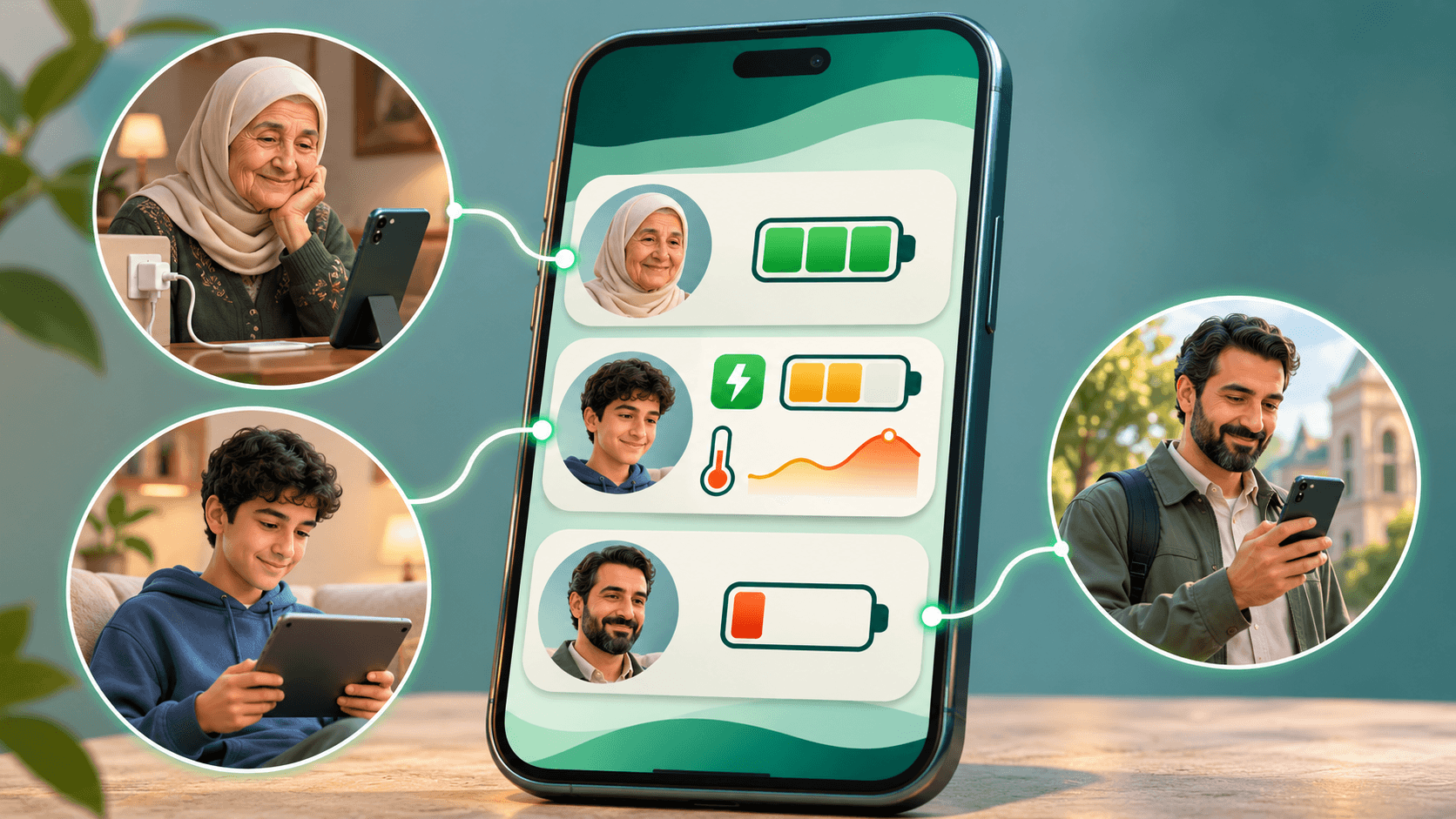
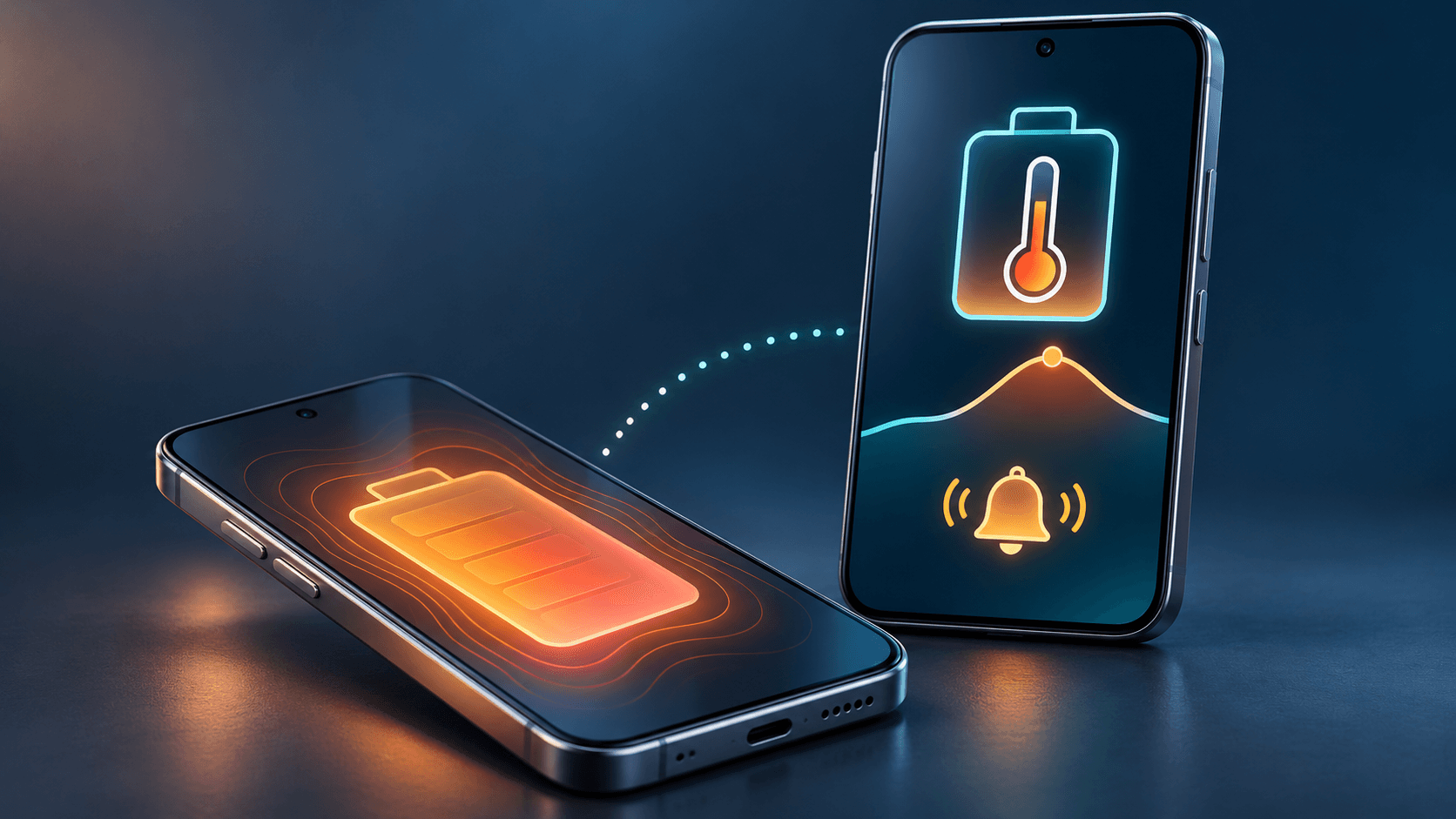
When heat keeps returning, you need to know when the battery temperature rises and whether it falls after you give the device a break. The multi-device battery monitoring app “Maqbis” shows you the temperature and its history, and alerts you when it gets high. You can monitor the batteries in your own devices and those shared with you by family and friends in one place.
Download the multi-device battery temperature monitoring app “Maqbis” free for Android
Battery monitoring, sharing and alerts, free and ad-free.
See when the battery gets hot and act on alerts
The multi-device battery monitoring app “Maqbis” gives you information that helps you respond to heat in everyday use:
- Spot recurring heat: Review the temperature history for the last 24 hours and the highest recorded reading. See whether the rise was brief or happened repeatedly during the day.
- Connect temperature with charging conditions: Compare temperature rises with the times the charger was connected. If heat repeatedly rises while charging, review where the device was kept and how it was being used at those times.
- Get notified: Enable high-temperature alerts to draw your attention to giving the device a break and checking its conditions, without keeping the temperature page open all the time.
- Monitor devices belonging to people close to you: Once the device owner agrees to share their battery, you can monitor its temperature and contact them when an alert arrives, even when you are not nearby.
Power consumption, screen-on time and charging power indicators also help you understand what was happening when the device got hot. You have specific details to review your usage habits or explain the problem when seeking repairs if it continues.
Start with your phone's battery, then add the devices that matter to you
After installing the multi-device battery monitoring app “Maqbis”, sign in and open your device's battery to view its temperature. Enable high-temperature alerts and allow app notifications, then review the history as you continue using the device. To monitor a family member's device, follow the battery sharing steps so the owner can accept the invitation.
When viewing data from a remote device, check the last update time. Monitoring helps you notice heat, but it does not guarantee that a battery fire or explosion will be prevented; signs of damage require action even without an alert.
Adjust how you use and charge the device
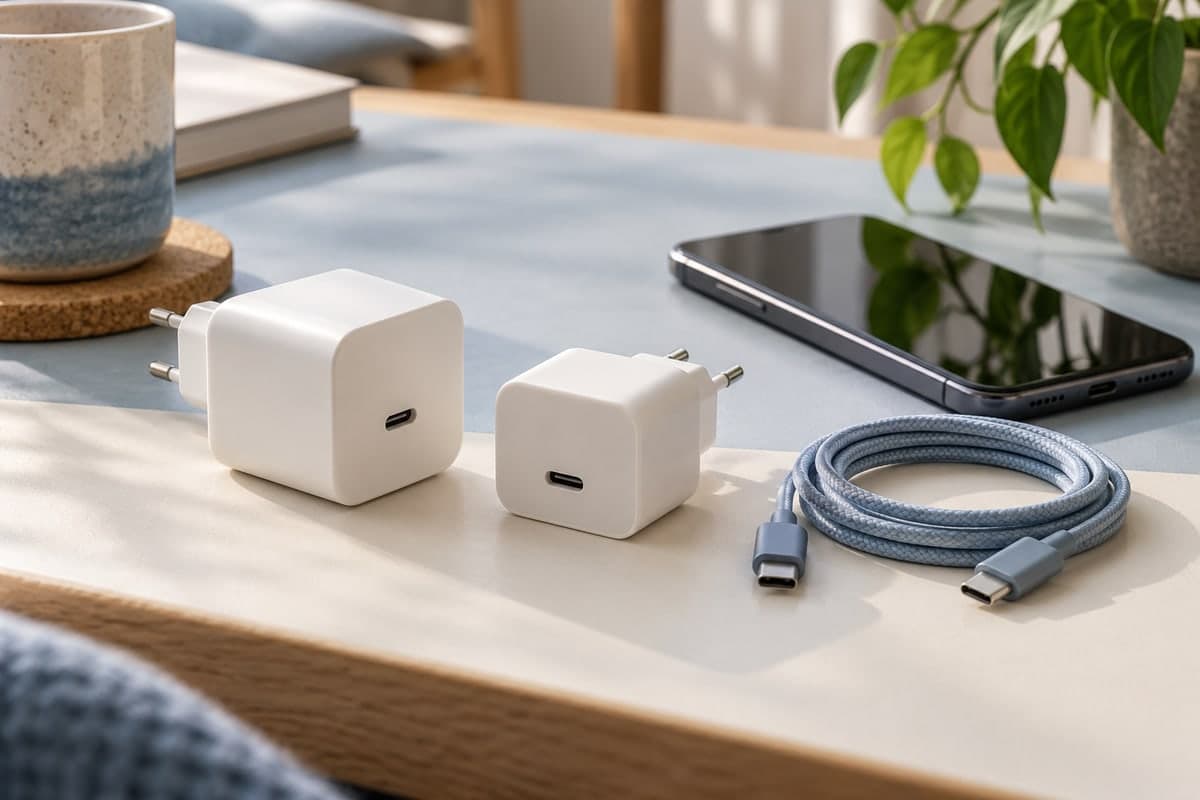
Reduce demanding activities while charging, especially if you notice that combining them raises the temperature. Choose a well-ventilated place at a moderate temperature, away from sunlight, bedding and sofas, and leave the phone and charger uncovered. Use a suitable charger recommended by the manufacturer, and replace damaged accessories. Safe charging guidance advises against leaving devices charging while you are asleep or away from home.
If a temperature warning appears or the device becomes unusually hot, stop using it, unplug the charger if you can do so safely, and let the device cool before returning to it. Google recommends these steps, and Samsung explains that a phone may limit performance or stop charging to protect itself. Respect that pause rather than trying to keep using it.
If heat keeps returning without an obvious cause, or warnings return despite giving the device a break, contact the manufacturer or an authorized repair center. Note when it happens and whether the phone was charging or in use; these details help describe the problem. There is no need to deliberately heat the device to test it.
Signs that mean you should stop using the device immediately
The U.S. Fire Administration recommends stopping use of lithium-ion batteries if you notice excessive heat, an odor, a change in shape, leaking or unusual noises. Smoke or flames call for a different response:
| Warning sign | What to do |
|---|---|
| Swelling or a change in the device's shape | Stop using and charging it. Do not press on the battery, puncture it or try to remove it yourself. Ask a qualified service provider for guidance. |
| An unusual smell, leaking, popping or hissing sounds | Stop using it, and move away if fumes appear or the situation worsens. Seek help and do not approach to inspect the battery yourself. |
| Smoke or flames | Evacuate the area and call local emergency services from a safe location. Close the door if you can do so without putting yourself at risk, and do not carry the burning device. |
Battery smoke and gases put people nearby at risk, and an incident can develop quickly. Evacuation takes priority, according to Fire and Rescue NSW's guidance. Once a battery is damaged, do not resume using it simply because it has cooled, and do not put it in household waste. Ask the manufacturer or relevant local authority about arrangements for handling and disposal, as recommended in guidance on damaged batteries.
When can battery heat lead to a fire or explosion?
A damaged or defective battery can enter a state called Thermal runaway: the cell produces heat faster than it can dissipate it, accelerating internal reactions and causing self-heating to intensify. UL Research Institutes (UL) explains that this can release gases and smoke and cause a fire. An explosion can occur in some battery failures, according to Buckinghamshire Fire & Rescue Service's guidance.
That is why a device cooling down is not enough to establish that a swollen or damaged battery is safe. No single number shown by a phone app guarantees that all batteries are safe below it or will catch fire above it. Signs of damage and device warnings require action regardless of the reading.
Also distinguish between battery temperature and the surrounding air temperature. Apple's operating range of 0 to 35 degrees Celsius refers to the device's surroundings, not the battery reading in an app. Comparing the two measurements directly leads to an incorrect conclusion.
Start monitoring your phone's battery and your family's devices
Install the multi-device battery monitoring app “Maqbis” to review temperature readings and their history, enable high-temperature alerts, and monitor batteries shared with you by family and friends. Start with your own device, then add the devices you want to monitor.
The app is free and ad-free.
Frequently asked questions
Is the multi-device battery monitoring app “Maqbis” free?
Yes. Battery monitoring, sharing with family and friends, and alerts are free and ad-free. You can install the multi-device battery monitoring app “Maqbis” on an Android phone from Google Play.
Why does my phone get hot while charging?
Charging a battery produces some heat. It can become hotter if you use the phone heavily at the same time or keep it somewhere hot or poorly ventilated. Unusual heat can also be associated with damaged accessories or a fault that needs checking.
Can monitoring battery temperature prevent an explosion?
It can help you notice heat and take action, but it cannot detect every battery defect or guarantee that a fire or explosion will be prevented. Do not wait for an app alert if you notice swelling, smoke or an unusual smell.
At what temperature does a phone battery explode?
No single reading shown by a phone app can establish a temperature at which every battery will explode or below which every battery is safe. Follow the manufacturer's warnings and take signs of damage seriously, regardless of the reading.
Can I monitor a family member's phone temperature?
Yes, through the multi-device battery monitoring app “Maqbis”, after the device owner agrees to share their battery. You can review its temperature, history and alerts, while checking when the data was last updated. Monitoring helps you stay in touch; it does not replace having the device checked when warning signs appear.
Can I keep using a swollen battery if its temperature is normal?
No. Stop using and charging it. Do not press on it, puncture it or try to remove it yourself. Ask the manufacturer or a qualified service provider about safe handling, replacement and disposal.
Sources
- Samsung: Why your phone heats up during use and charging
- UL Research Institutes: Understanding thermal runaway in lithium-ion batteries
- Google's guidance on handling a hot phone
- Apple's guidance on operating temperatures and temperature warnings
- Samsung's guidance when a device cooling message appears
- U.S. Fire Administration: Battery fire safety
- Buckinghamshire Fire & Rescue Service: Charging and signs of lithium-ion battery damage
- Fire and Rescue NSW: What to do if a battery is smoking or on fire