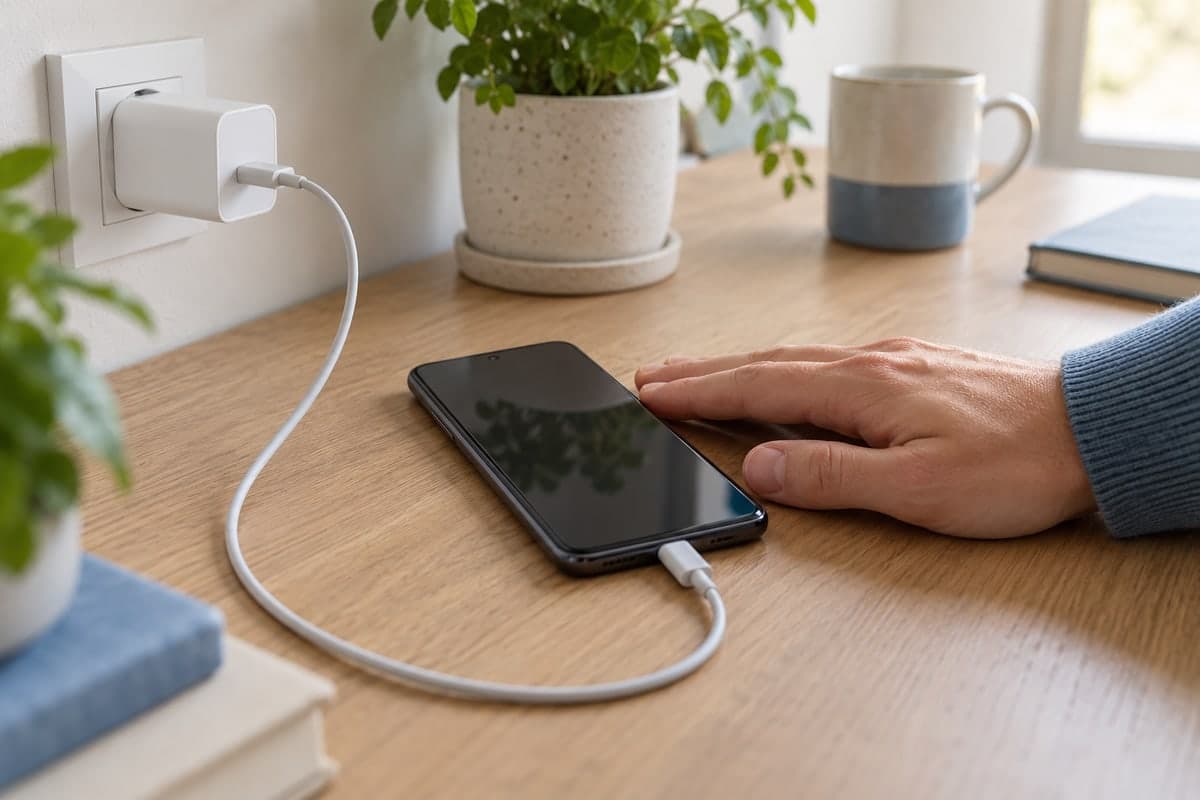
A lithium-ion phone battery should be charged between 0°C and 45°C, and it ages faster when it stays above about 30°C. Above 45°C you should not charge it, and below 0°C you must not charge it at all; if the phone gets hot, unplug it, move it somewhere cooler and stop using it until it cools.
Of everything that ages a phone battery, temperature is the factor you can feel with your hand. A phone that is warm after a video call is normal. A phone that is hot on the charger in the sun is not. Knowing where the limits are helps you react at the right moment.
What temperature is normal for a phone battery?
There is no single "normal" number, because a battery warms up when you use the phone and when you charge it. What exists are ranges, published by battery references and phone makers.
For the battery itself, Battery University gives these limits for lithium-ion:
| Battery temperature | What it means |
|---|---|
| Below 0°C | Charging is not permitted |
| 0°C to 45°C | Range in which the battery may be charged |
| Above 30°C | Elevated temperature: the battery ages faster |
| Above 45°C | Outside the charging range |
| −20°C to 60°C | Range in which the battery may be discharged (used) |
For the surroundings of the phone, Apple gives figures that are useful for any smartphone. iPhones are designed for an ambient temperature between 0°C and 35°C, and should be stored between −20°C and 45°C. Apple also warns that leaving a device in a hot car or in direct sunlight for a long time can permanently damage battery capacity.
The two sets of numbers are not the same thing: one is the air around the phone, the other is the battery inside it. A battery in a phone that is charging or running a game will be warmer than the room.
When does a battery temperature become dangerous?
Heat does two kinds of harm. The first is slow: a battery that often stays warm loses capacity faster. Battery University's storage tests show it clearly. After one year at 25°C, a battery kept at a 40% charge still holds about 96% of its capacity; at 40°C it holds about 85%, and at 60°C about 75%. Kept full, the losses are larger: about 80%, 65% and, at 60°C, 60% after only three months.
The second kind is immediate: above the limits, the phone has to protect itself. Apple lists what can happen when a device gets too warm: charging, including wireless charging, slows or stops, the display dims or goes black, and the cellular signal may weaken. Google lists similar steps on Pixel phones: lower processor performance, slower charging, camera flash or camera turned off, mobile data or Wi-Fi partly or fully turned off, and low power mode.
If your phone shows a temperature warning or starts doing these things, it is telling you that the battery is too hot.
What makes a phone battery overheat?
The causes are usually ordinary:
- Direct sunlight, or a car parked in the heat. Apple and Google both warn against leaving the phone in a hot car or in the sun.
- Charging while doing heavy tasks: games, video, navigation, video calls. Google lists resource-heavy use while charging as a cause of overheating.
- An enclosed or poorly ventilated place: under a pillow, in a bag, on a sofa.
- An unsuitable case. Google lists incompatible cases among the causes of a phone getting too warm.
- Wireless charging and demanding apps, which Apple lists among the situations where a device feels warmer.
Google adds another reason to care: a battery drains much faster when it is hot, even when you are not using the phone, and this kind of drain can damage the battery.
How to cool down a hot phone safely?
Google's advice is simple: if the phone is too hot, unplug it, move it to a cooler place and do not use it until it has cooled down. Some practical points:
- Take it out of the sun and out of the car.
- Remove the case if it is thick.
- Close games, video and navigation.
- Do not put it back on the charger until it feels normal again.
Avoid going to the opposite extreme. The advice is a cooler place, not the fridge or the freezer: a battery must not be charged below 0°C, where metallic lithium can plate on the anode and damage it permanently.
Is cold also bad for the battery?
Cold is a different problem. It does not wear the battery the way heat does, but it reduces what the battery can deliver. Apple explains that using a device in very cold conditions can temporarily reduce battery life and prevent charging, and that normal performance comes back when the device warms up.
The real risk with cold is charging. Battery University is strict: no charging below freezing. If your phone has been outside in winter or in a cold car, let it come back to room temperature before plugging it in.
How does Android report battery temperature and health?
Android itself reads the battery temperature and gives every app a battery "health" state. The Android documentation lists states such as good, overheat, cold, dead, over voltage and unspecified failure. Apps can read these values, so they can show you more than a warning when the phone is already too hot.
How can you see your battery temperature at any time?
The Maqbis app shows the battery temperature on its battery page, with a plain word for it (cold, normal, warm or hot) and a short note such as "the battery is warm, go easy on the phone" or "the battery is hot, let the phone cool down". The page also shows the highest temperature of the last 24 hours, and the battery health reported by Android, for example "good" or "overheating". When Android reports an unusual state, the app adds what to do: with "overheating" it asks you to keep the phone away from heat, and with "cold" it advises letting the battery warm up before charging.
When the temperature gets high, you receive an alert, and the app tells you when the battery is hot while the phone is left alone, or when charging is slow because the battery is hot. During a charge, a chart shows the charging power and the temperature by battery level. If you follow a family member's phone, you can receive the high-temperature alert for their battery too.
The app does not cool the phone; it tells you early, so you can take it out of the sun or off the charger.
The short answer
Keep the battery between 0°C and 45°C when charging, and as close as possible to room temperature the rest of the time. Above 30°C it ages faster, above 45°C it should not charge, below 0°C it must not charge. When the phone gets hot, unplug it, cool it gently and wait.
Frequently asked questions
What is a normal temperature for a phone battery?
There is no single number, because the battery warms with use and charging. As a guide, Battery University treats a battery that stays above 30°C as running at elevated temperature, and gives 0°C to 45°C as the range in which lithium-ion may be charged.
Is it dangerous to charge a hot phone?
Charging adds heat. Battery University sets 45°C as the upper limit for charging lithium-ion, and phones slow down or pause charging when they get too warm. If your phone is hot, unplug it and let it cool first.
Should I put a hot phone in the fridge?
No. Google's advice is to unplug the phone, move it to a cooler place and not use it until it has cooled down. Extreme cold is a problem of its own: charging below 0°C can damage a lithium-ion battery.
Why does my battery drain faster in the cold?
Cold slows the chemical reaction in the battery. Apple explains that cold can temporarily reduce battery life and prevent charging, and that the battery works normally again once the phone is back at a normal temperature.
Can heat damage my battery permanently?
Yes. Apple warns that leaving a device in a hot car or in direct sunlight for a long time can permanently damage battery capacity, and Battery University's figures show much faster capacity loss at 40°C than at 25°C.
Sources
- BU-410: Charging at High and Low Temperatures
- BU-808: How to Prolong Lithium-based Batteries
- If your iPhone or iPad gets too hot or too cold - Apple Support
- Get the most life from your Pixel phone battery - Pixel Phone Help
- Help keep your Pixel phone from feeling too warm or hot - Pixel Phone Help
- BatteryManager | API reference | Android Developers