Multiply the output voltage by the current: a charger that gives 5 V at 3 A delivers 15 W, and 20 V at 5 A delivers 100 W. Whether your phone actually charges that fast depends on what the phone accepts, the cable, the temperature and how full the battery is, so the power measured at the battery is usually lower than the label.
Chargers are sold by their wattage: 15 W, 25 W, 45 W, 65 W and more. But the number on the box is a maximum, not what your phone will actually take. Knowing how to read it, and what limits it in practice, tells you whether a "fast" charger is worth it for your phone.
How do I calculate my charger's wattage?
Power in watts is voltage multiplied by current: W = V × A. Battery University uses exactly this rule when it compares USB ports. If your charger lists its output as a voltage and a current, multiply the two:
| Output | Power | Typical example |
|---|---|---|
| 5 V × 0.5 A | 2.5 W | Original USB 2.0 port |
| 5 V × 0.9 A | 4.5 W | USB 3.0 port |
| 5 V × 1.5 A | 7.5 W | USB-C at 1.5 A |
| 5 V × 3 A | 15 W | USB-C at 3 A |
| 20 V × 5 A | 100 W | USB Power Delivery before revision 3.1 |
| 48 V × 5 A | 240 W | USB Power Delivery 3.1, announced in 2021 |
If the charger lists several outputs, for example one at 5 V and one at 9 V, work out each one: the highest result is the charger's maximum.
What do USB-C and USB Power Delivery change?
The original USB port was designed for small devices. Battery University gives the numbers: 5 V and 500 mA on USB 1.0 and 2.0, and 900 mA on USB 3.0. USB-C raised that: on command it can deliver 1.5 A or 3 A at 5 V, which means 7.5 W or 15 W, and it can go up to 5 A at higher voltages.
USB Power Delivery (USB PD) is the standard that lets a phone and a charger agree on a higher voltage. According to USB-IF, the body behind USB, USB PD was limited to 100 W using 20 V. Revision 3.1, announced in 2021, adds 28 V, 36 V and 48 V levels for 140 W, 180 W and 240 W, over a full-featured USB-C cable. USB-IF describes the principle behind it: each device takes only the power it requires, and low-power devices negotiate for only what they need.
For a phone, the practical point is simple: the charger offers, and the phone takes only the power it requires within that offer.
Is my charger really fast for my phone?
A charger is only as fast as the slowest part of the chain. Four things decide the power your phone actually receives:
- What the phone accepts. The phone requests the power it supports. A 100 W laptop charger does not push 100 W into a phone designed for 25 W; the phone takes what it asks for.
- The cable. Higher power levels need cables rated for them. USB-IF mentions 5 A cables for 100 W and defines specific cable requirements for 240 W.
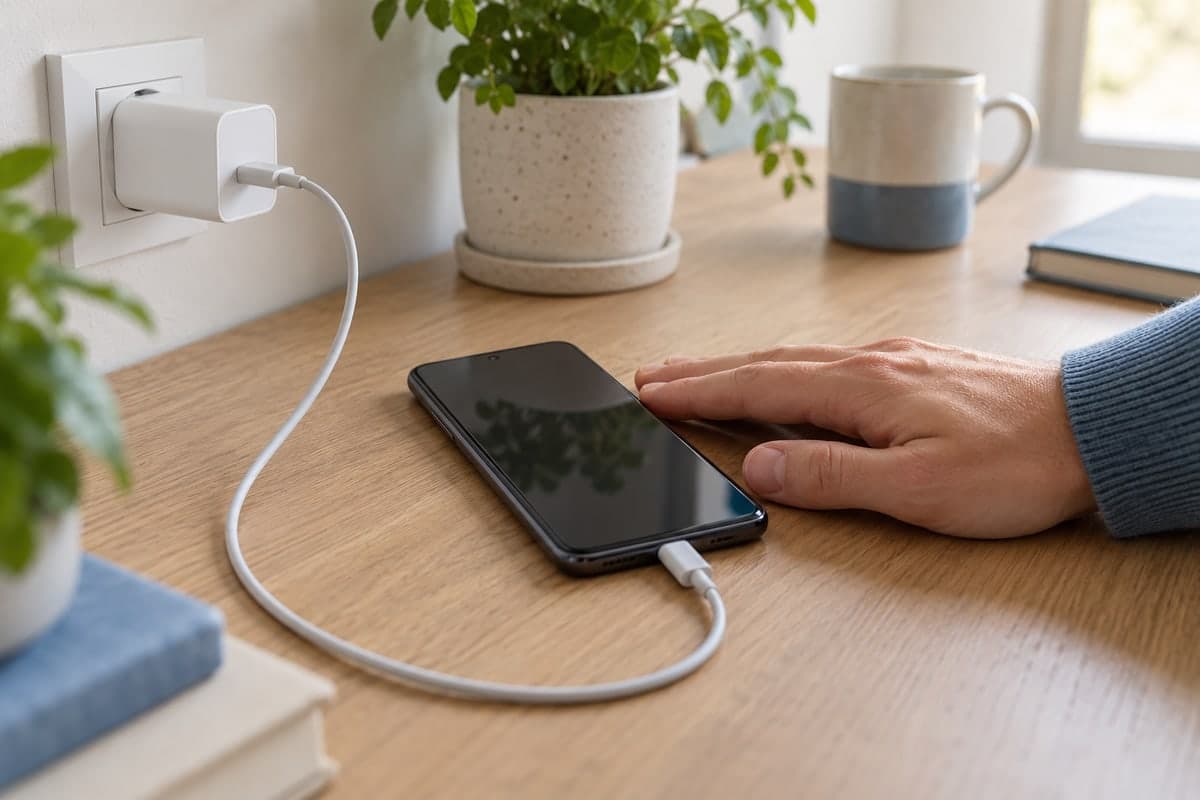
- The port you plug into. Samsung notes that fast charging may not work when the phone is connected to a PC or a standard USB device.
- The battery itself. Fast charging only happens in the first stage of the charge. Past roughly 70 to 80%, the current tapers off whatever the charger can deliver, and Battery University notes that a higher charge current does not reach full charge much sooner.
So a 65 W charger on a phone that accepts 25 W charges at most at 25 W, and less as the battery fills or warms up.
Does the charging cable affect the speed?
Yes, more than most people think. Samsung lists incompatible or damaged charging accessories as a cause of slow charging, interruptions or no charging at all, and dust in the charging port as one of the most common causes of charging problems. Battery University also points out that a cable and its connectors cause a voltage drop of about 350 mV, a loss large enough to matter on low-voltage systems.
Google gives similar advice for Pixel phones: use the power adapter that came with the phone, because other chargers can charge slowly or not at all.
If charging is slow, try another cable before blaming the charger, and check that Fast charging is turned on in your phone's settings (on Galaxy phones: Settings > Battery > Charging settings).
What should you check before buying a faster charger?
- The maximum power your phone accepts, as stated by its manufacturer. A charger above that number will not charge it faster.
- The charging standard. If your phone uses USB Power Delivery, choose a charger that supports it too.
- The cable. Use one rated for the current and power you expect, and replace it if it is damaged.
- Your real use. If you mostly charge overnight, a faster charger changes little; it matters when you need a quick top-up.
Why does the measured power differ from the charger label?
The label tells you the most the charger can supply. What reaches the battery is lower: part of the energy is lost on the way, starting with the voltage drop in the cable, the phone may request less than the maximum, and the battery's own charging process lowers the current as it fills. A charger rated 25 W can therefore show well under 25 W at the battery, especially in the second half of the charge, without anything being wrong.
How can I see the real charging power with Maqbis?
Maqbis, a free Android app without ads or subscription, measures the charge where it matters: at the battery. While the phone charges, it shows:
- The charging power in watts, with the charging current, the voltage and the battery temperature.
- The charging source: wall charger, USB port, wireless charger or dock.
- A notice when charging is slow because the charger, cable or port is weak, or because the battery is hot.
- How long the last charge took, so you can compare one charger or cable with another.
The app itself explains that the power measured at the battery changes as the battery fills and may differ from the rating on your charger. To compare two chargers fairly, start both from a similar battery level, with the phone at a normal temperature, and look at the watts during the first part of the charge.
Frequently asked questions
How do I calculate watts from volts and amps?
Watts equal volts multiplied by amps. A 5 V output at 2 A gives 10 W, and 9 V at 3 A gives 27 W. If a charger lists several outputs, the highest result is its maximum.
Will a 100 W charger damage a phone that only supports 25 W?
USB-IF describes USB Power Delivery as letting each device take only the power it requires, so a higher rated charger does not force more power into the phone. The phone simply charges at the power it supports.
Why does my phone charge slowly from a laptop?
A standard USB port provides far less power than a wall charger: 2.5 W on USB 2.0 and 4.5 W on USB 3.0 according to Battery University. Samsung also notes that fast charging may not work when connected to a PC.
Does the cable really change the charging speed?
Yes. Samsung lists damaged or incompatible cables among the main causes of slow charging, and higher power levels need cables rated for them, such as 5 A cables for 100 W.