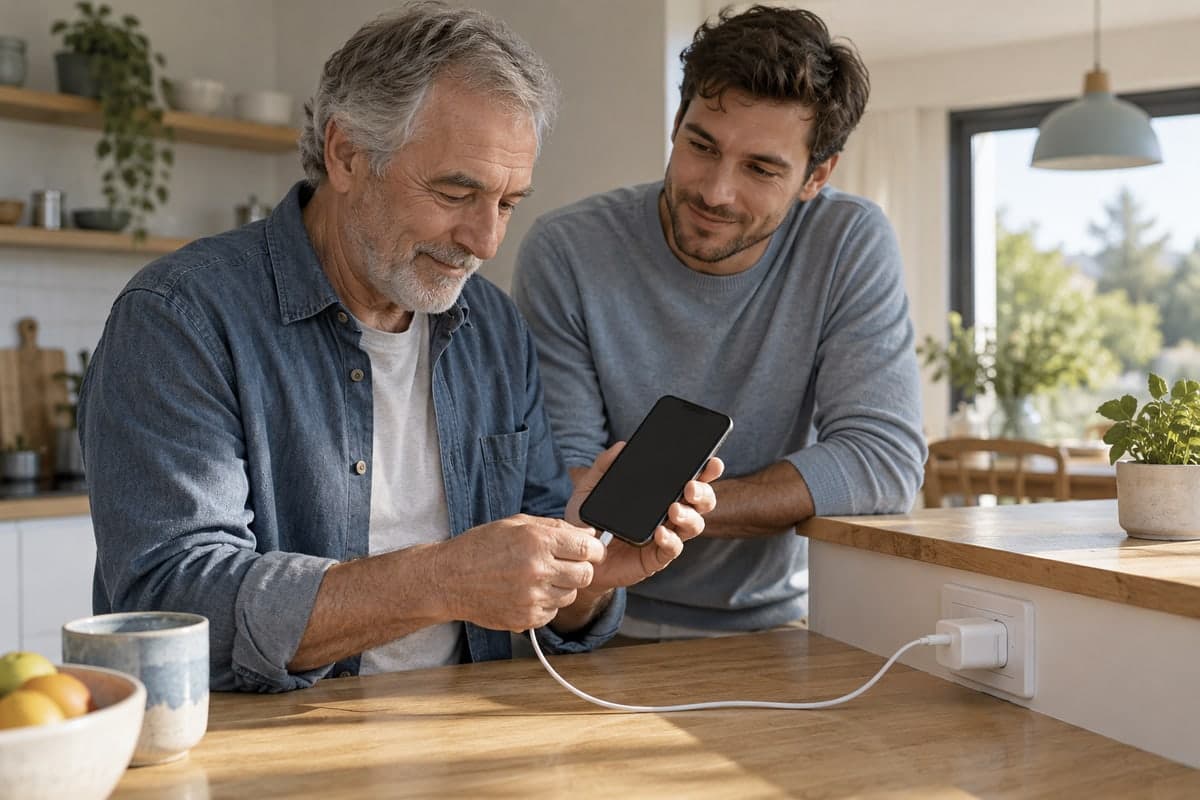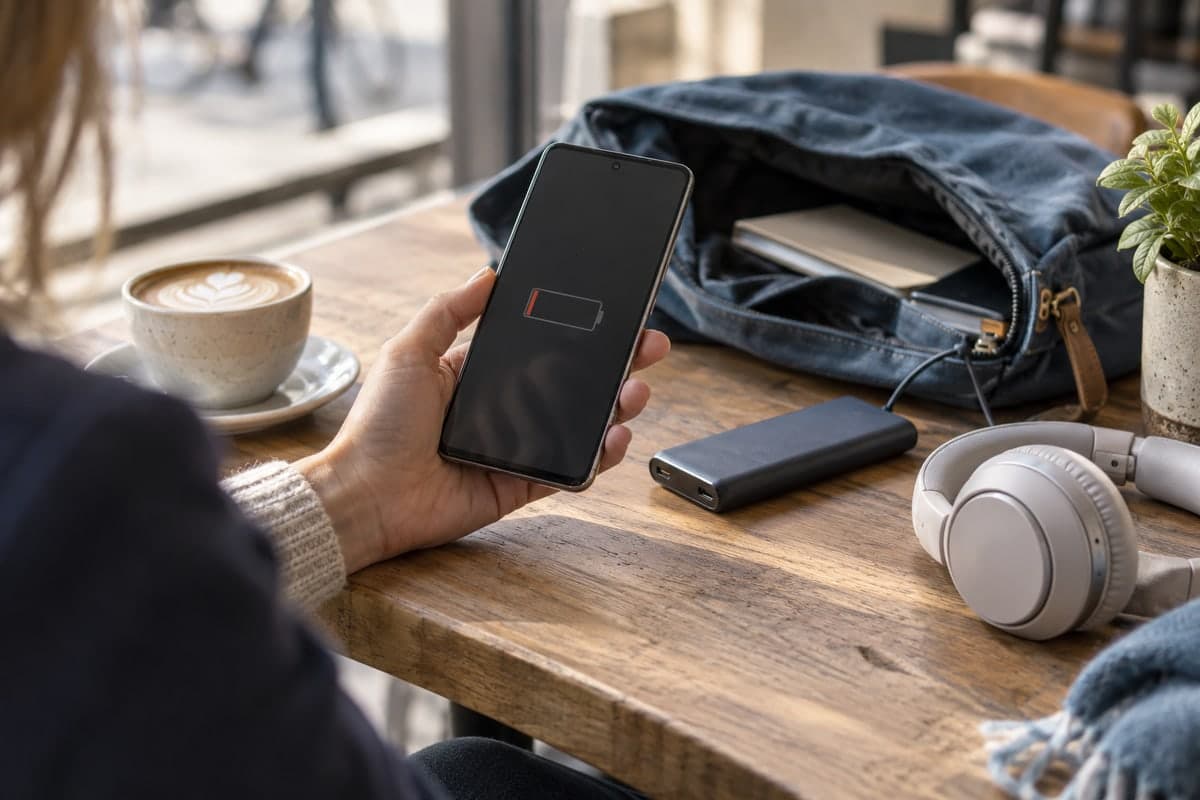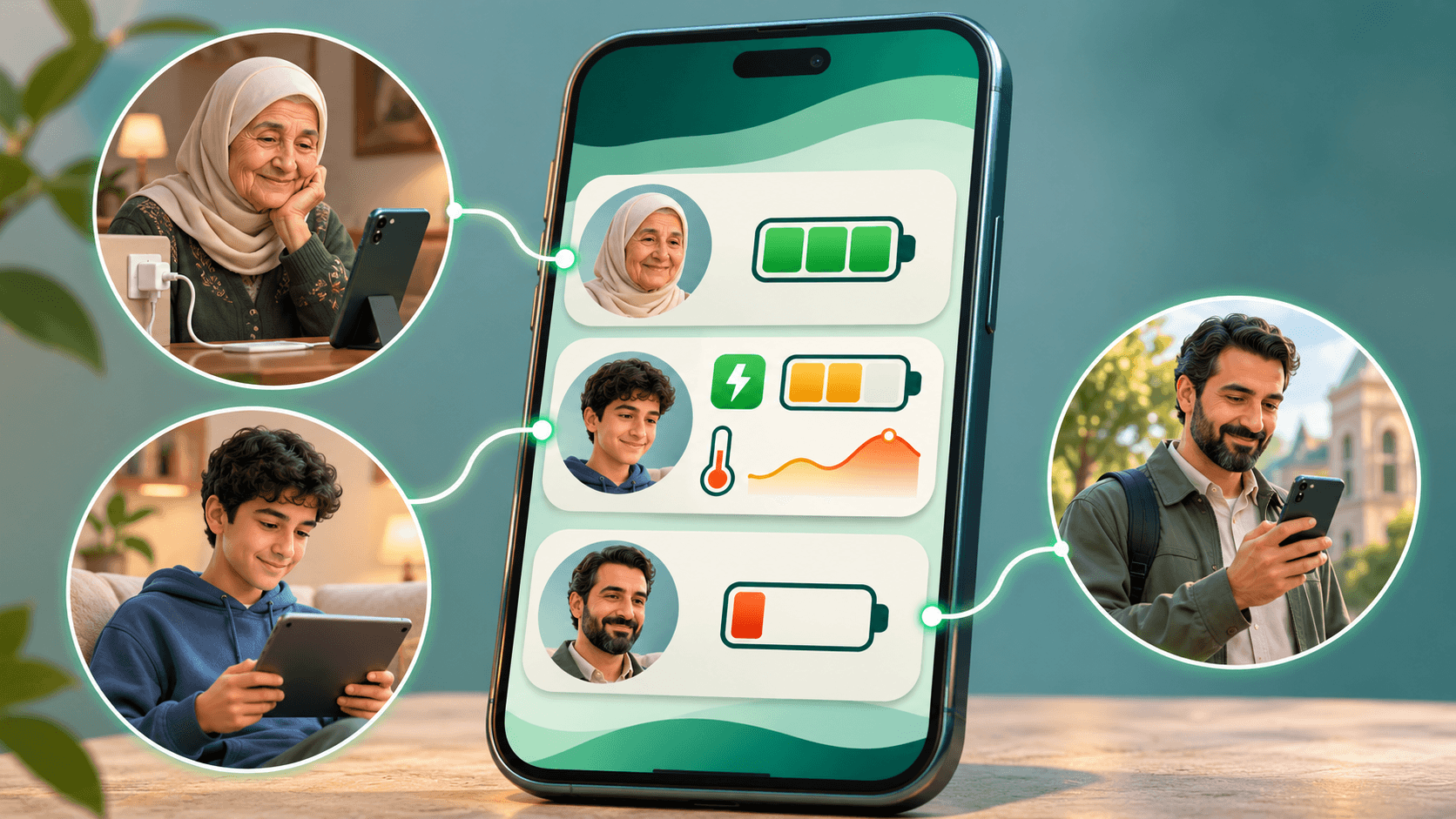
You can monitor another device's battery with the multi-device battery monitoring app “Maqbis”. Sign in with the same account on your own devices, or send the other device's owner an invitation to accept battery sharing with you. You can then follow its charge level, battery temperature, health, usage and alerts from your phone.
Your mother forgets to charge her phone, and when you call, it is switched off. Your son charges his device, but the battery runs down quickly and you want to understand why. You call your husband and he does not answer, only to find out later that his phone ran out of battery. These everyday situations make it useful to know the battery status of someone close to you, even when they are far away.
With the multi-device battery monitoring app “Maqbis”, you can follow the batteries your family shares with you, alongside those of your own devices. Remind your mother to charge before her phone switches off, understand how your son's device uses power and notice rising battery temperatures, and check your husband's last battery status when you cannot reach him.
When is monitoring another device's battery useful?
Your mother forgets to charge her phone
Your mother may not notice the battery getting low and put off charging until the phone switches off. When you try to call, you end up making more attempts to reach her or asking someone nearby to check on her.
If she shares her battery with you through the multi-device battery monitoring app “Maqbis”, you receive a low-charge alert and can call to remind her to plug in her phone. You can then follow the charging status and progress from your own phone. Helping her becomes easier, especially if you do not live together.
Your son uses up his device's battery quickly
Your son charges his device, then soon starts looking for the charger again. Does he keep the screen on for hours? Does the device lose charge quickly even when he leaves it alone? Or has the battery's capacity declined? Watching the percentage alone does not give you the full picture.
Through the multi-device battery monitoring app “Maqbis”, you can follow screen-on time, usage over the last 24 hours, and the rate of battery drain during use and while idle, alongside battery health and estimated capacity. These indicators help you understand the pattern: if usage rises with longer screen-on time, you can discuss managing device use with him. If the device loses charge while idle, reviewing its settings and background power usage is a more useful next step. By following changes over several days, you can see the effect of what you agreed on together.
You can also follow battery temperature, especially during gaming or when the device is used while charging. If you receive a high-temperature alert, you can contact him and remind him to give the device a break and let it cool down. The temperature history helps you notice repeated rises and discuss usage and charging habits with him.
You call your husband, but he does not answer because his phone ran out of battery
You try calling your husband when he is late, but his phone is switched off. He may have been busy all day and not noticed that the battery was nearly empty. If he has shared his battery with you, you can open the multi-device battery monitoring app “Maqbis” and check the last charge level and when it was updated.
If the last reading showed that the battery was almost empty, it gives you a possible explanation for why you cannot reach him. Monitoring can help before that point, too: a low-charge alert lets you remind him to charge or agree on when he will return while his phone is still working.
How do you start monitoring another device's battery?
Start by installing the multi-device battery monitoring app “Maqbis” on both Android devices. The next step depends on whether the other device belongs to you or someone else.
To monitor another device you own
Sign in with the same account on your devices, then open the “Batteries” tab on the phone you want to monitor them from. You will find your other devices' batteries there, and you can open the one you want to see its details.
Give each battery a clear name, such as “Work phone” or “Study device”. This helps you identify the right device quickly, especially when you have similar ones.
To monitor a device belonging to someone else
On the “Batteries” tab, tap “Add a device battery”. The app creates an invitation. You can send its link to the device's owner, or let them scan the code with their device's camera. They open the invitation in the app and accept sharing their battery with you, and it appears in your list.
The device's owner can also start sharing: they tap “Share my device battery” on their battery card, then send you the link or show you the code. Accept the invitation to start following their battery from your phone.
Sharing requires the device owner's agreement, and they can stop it later from the “Shared with” list. You can stop following the battery from “Options” on its page.
How do the battery indicators help you?
The charge percentage tells you what is left now, but the details help you understand what the device actually needs. The multi-device battery monitoring app “Maqbis” brings together indicators you can read alongside one another to plan charging, notice changes in performance and improve habits.
Know when the device needs charging
The battery level and estimated time until charging is needed give you two useful pieces of information: how much charge remains and how long it may last based on usage patterns. This helps you prepare your device before going out or remind the other device's owner to charge before they need their phone.
Follow charging progress and performance
When the device is plugged in, you can check its charging status, power, duration and estimated time to full charge. You can see how charging is progressing and compare its performance with previous charging sessions if you notice that it takes longer than usual.
Notice rising battery temperatures, even from a distance
The multi-device battery monitoring app “Maqbis” shows battery temperature and its history over the last 24 hours, and alerts you to high temperatures. You can notice a device getting hot even when you are not holding it, whether it is your mother's phone on the charger or your son's device during use.
Following the history helps you spot patterns: do high temperatures recur during charging? Do they differ when the device is left alone to charge compared with using it while charging? With this information, you can help its owner adjust their habits and follow the effect of the change.
Understand why power usage differs from day to day
Usage over the last 24 hours, screen-on time, and the rate of battery drain during use and while idle give you a clearer picture of the device's day. If power usage rises as screen-on time increases, start by reviewing how the device is used. If charge drops quickly while the device is idle, reviewing background power usage and network conditions is a useful next step.
By comparing performance across weeks, you can follow the effect of changes: did power usage improve after adjusting brightness? Does the device now hold its charge for a length of time better suited to its owner's needs?
Follow battery health over time
Battery health and estimated current capacity help you understand how much charge the battery can hold compared with when it was new. Following their trends is useful when you notice a device needs frequent charging and want to distinguish a change in use from an ongoing decline in battery capacity.
Knowing how often and when the device is charged, and how long it stays plugged in after reaching full charge, also helps you improve habits. You might notice, for example, that a device is left fully charged on the charger for a long time. You can then help its owner set up charging protection in the device settings and organize when to plug it in.
How do alerts help when you are away from the device?
The multi-device battery monitoring app “Maqbis” sends alerts when the charge is low or full, the temperature is high, or the device stops sending battery updates. You can choose which types of notifications matter to you in the notification settings.
Each alert has a practical use: low charge reminds you to prepare the device or contact its owner, a full-charge alert draws your attention to a device left on the charger, and high temperature helps you notice the conditions in which it is used and charged.
If you follow several batteries, you can turn off notifications for a particular one from “Options” on its page while continuing to follow its status in the list. This lets you organize alerts around what you need during your day.
How can you make monitoring useful in everyday life?
Choose the devices you actually rely on, give their batteries clear names, and set the alerts that matter to you. When you open a battery you follow, look at the last-update time alongside the charge level to see how recent the reading is. You can request a new reading with the “Refresh” button on the battery page.
With the multi-device battery monitoring app “Maqbis”, following another device becomes part of preparing for your day, caring for your devices and helping your family. You know when the device needs charging, how it charges and uses power, and what has changed in its battery performance over time.
Frequently asked questions
Do I need a different account for every device I own?
You can sign in with the same account on your devices in the battery monitoring app “Maqbis” and follow their batteries from the list. Use a sharing invitation when you want to follow a device linked to someone else's account.
Do both devices need to be from the same manufacturer?
You can follow devices from different brands; they just need to be compatible with the Android version of the multi-device battery monitoring app “Maqbis”.
Can I monitor a device away from me, outside the home?
Yes. Readings travel over the internet, so you can follow the battery from another location. The last-update time shows you how recent the reading is.
Can I monitor more than one device?
Yes. The multi-device battery monitoring app “Maqbis” displays your devices' batteries and batteries shared with you in one list. You can rename them to make them easier to tell apart.