Fast charging on a modern phone, with a compatible charger, does not on its own ruin the battery: the phone pushes high power only while the battery is fairly empty, then slows down. What wears a lithium-ion battery is heat and long hours at full charge, so fast charge in a cool place and unplug when you are done.
Fast charging has a bad reputation. Many people believe that every fast charge takes a little life out of the battery, and that the old slow charger is the safe choice. The real picture is more nuanced: fast charging is designed into the phone, and the phone controls it. The two things that really age a lithium-ion battery are heat and time spent at a high charge level.
What actually happens during a fast charge?
A lithium-ion battery does not charge at a constant speed. Battery University describes two stages: a constant current stage, where the charger pushes as much current as the battery accepts, and a saturation (or topping) stage, where the voltage has reached its ceiling and the current slowly falls. The battery counts as full when the current has dropped to about 3 to 5 percent of its rated capacity.
Fast charging only speeds up the first stage. Battery University notes that ultra-fast charging "only applies during the first charge phase" and that the current should be lowered once the battery reaches about 70 percent state of charge. That is why a phone can go from low to more than half in a short time, then take much longer to finish the last part.
| Charging stage | What the phone does | Typical speed |
|---|---|---|
| Low to mid level | Accepts high current | Fastest |
| Upper level | Voltage at its ceiling, current falls | Slower |
| Full | Charge current cut off | No charging |
Does fast charging reduce battery life?
High charging current does add stress. In Battery University's tests, charging and discharging lithium-ion cells faster than 1C (a rate that would fill the cell in about one hour) shortened their service life, and the site advises a slower rate when you have the choice.
But a phone is not a lab cell on a test bench. The phone manages the charge itself and lowers the power as the battery fills or warms up. Google explains that Pixel phones adjust their charging speed automatically, and that "if your phone gets too warm, it might pause charging to protect your battery". Charging starts again once the phone has cooled down.
In daily use, the difference between fast and slow charging is mainly the extra heat produced in the first minutes. If that heat stays moderate, fast charging is a convenience, not a battery killer.
Why is heat the real enemy?
Heat speeds up the chemical ageing of the battery. Battery University considers a battery that stays above 30°C (86°F) to be at elevated temperature, and its storage figures show how much heat and a full charge cost together:
| Storage temperature | Capacity after 1 year at 40% charge | Capacity after 1 year at 100% charge |
|---|---|---|
| 0°C | 98% | 94% |
| 25°C | 96% | 80% |
| 40°C | 85% | 65% |
| 60°C | 75% | 60% (after 3 months) |
The same source sets the safe charging window for lithium-ion between 0°C and 45°C, and recommends 10°C to 45°C for ultra-fast charging, because cold slows the chemical reaction. Charging below freezing is not permitted at all: it can plate metallic lithium on the anode and cause permanent damage.
Google gives the same advice in plain words: "Your phone warms up when it's plugged in, so don't keep it charging more than needed." Pixel phones even limit charging to about 70 to 80 percent when they have been charging for hours at high temperature.
When is fast charging worth avoiding?
Fast charging is fine most of the time. A few situations make it harder on the battery:
- The phone is already hot: after a long video call, gaming, navigation in the car or time in the sun. Let it cool before plugging in.
- The phone is covered: under a pillow, on a sofa, or in a thick case that holds heat while charging.
- You use heavy apps while charging: Apple lists games, graphics-heavy apps and high-quality video among the things that make a phone warmer, and charging adds its own heat.
- It is very cold: a phone left in a freezing car should warm up to room temperature before charging.
- You leave it plugged in for hours after 100%: the problem here is not the speed but the time spent full.
How to fast charge without wearing the battery?
You do not need to give up fast charging. A few habits are enough:
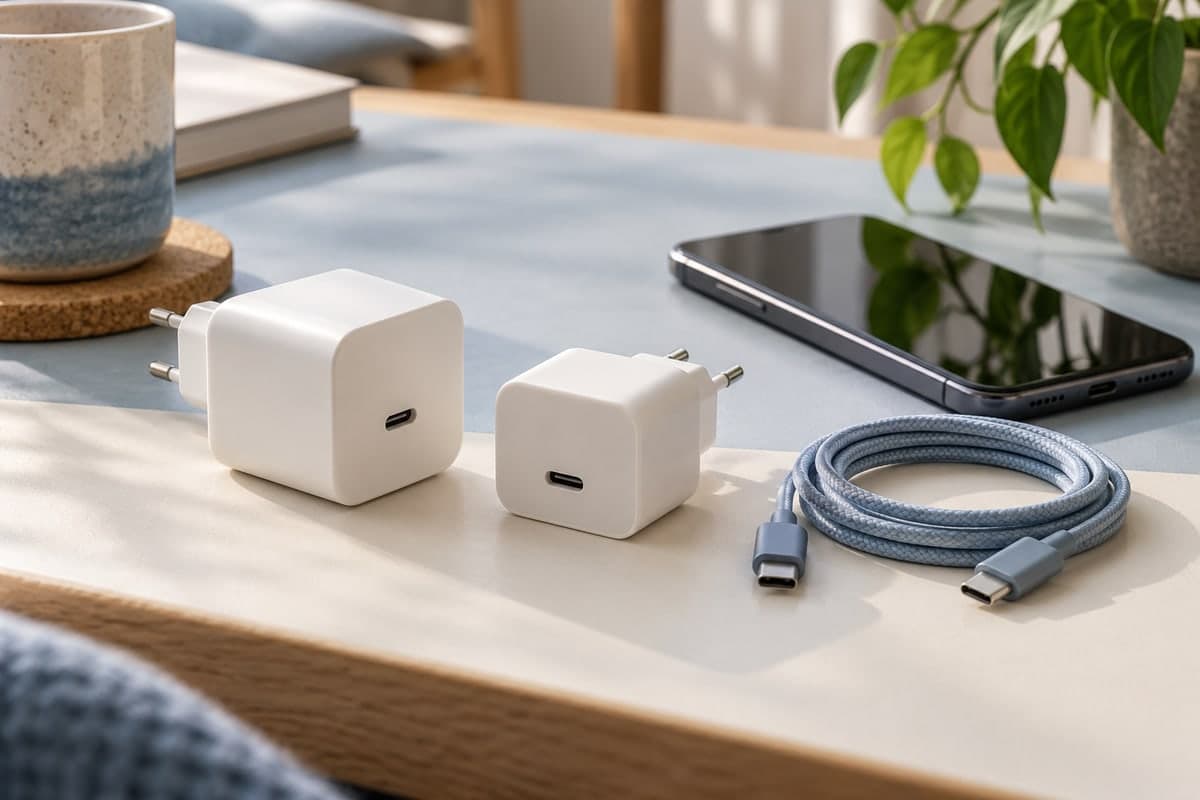
- Use the charger and cable recommended for your phone. Google, for example, lists USB Power Delivery (PD) and PPS adapters as compatible with Pixel phones.
- Charge on a hard surface, in a cool room, without a pillow or blanket on top.
- Take thick cases off if the phone gets warm while charging.
- Unplug when you have enough charge. Partial charges do not harm lithium-ion; Battery University points out that the battery has no memory and does not need full cycles.
- Use the charging protection options of your phone if it has them, such as an 80% limit or adaptive charging overnight.
If you are in no hurry, a slower charge produces less heat. If you are in a hurry, fast charging in good conditions is a reasonable choice.
How can you see whether your charging heats the battery?
The Maqbis app shows what happens during a charge, so you do not have to guess. On the battery page you see the charging power in watts right now and the average since the charger was plugged in, the temperature of the battery and the highest temperature of the last 24 hours.
A chart shows the charging power and the temperature by battery level, so you can see the power drop as the battery fills; the app explains that power normally drops after 80% because the phone slows the charge to protect the battery. When charging is slow, the app says why: the battery is hot, the battery is nearly full, or the charger, cable or port is weak. If the temperature gets high, you receive an alert, and when the battery is full the app tells you to unplug to preserve battery health.
This does not make the battery last forever, but it shows whether your fast charger really runs hot or not, with numbers from your own phone.
The short answer
Fast charging is not what wears your battery the most. Heat and long hours at 100% do. Charge in a cool place, with a compatible charger, and unplug when you are done: you get the speed without paying for it in battery health.
Frequently asked questions
Is it bad to fast charge my phone every day?
Not in itself. The phone decides how much power it accepts and lowers it as the battery fills or warms up. Daily fast charging becomes a problem mainly when the phone gets hot while charging, for example under a pillow, in the sun or while gaming.
Why does fast charging slow down near the end?
A lithium-ion battery charges in two stages. High current is only used in the first stage; near the top the voltage reaches its ceiling and the current has to drop, so the last part of the charge is always slower.
Is wireless charging gentler than fast charging?
Not automatically. Wireless charging tends to warm the phone, and Apple lists it among the activities that make a device feel warmer. What matters for the battery is the temperature, whatever the charging method.
Which charger should I use for fast charging?
One that is compatible with your phone, with a good cable. For Pixel phones, for example, Google lists USB Power Delivery (PD) and PPS adapters, and notes that laptops and other power sources can charge more slowly than a wall outlet.