On a Pixel 8a or newer, open Settings > Battery > Battery health; on a Samsung Galaxy, run Battery status in the Samsung Members app. Other phones may not show a capacity figure, so watch the warning signs: shorter battery life, sudden shutdowns and a hot or swollen phone.
Every lithium-ion battery loses some of its capacity as it ages. Battery health is the simple way to say how much of that original capacity is left, and whether the battery still works the way it should. The trouble on Android is that each brand shows it differently, and some phones do not show it at all.
What does battery health mean on an Android phone?
Two different things are often called "battery health":
- Remaining capacity. How much charge the battery can still hold compared with when it was new. Google describes this as an estimated percentage of the original capacity. A battery at 85% capacity that shows 100% on screen holds less energy than it did on day one, so the same 100% lasts fewer hours.
- Health status reported by Android. Android itself gives apps a simple battery health value through the system battery broadcast that also carries the level and the charging state. The documented values are good, overheat, dead, over voltage, cold and unspecified failure. This is a fault flag, not a capacity figure: a phone can report "good" while its capacity has already dropped.
Knowing which of the two you are looking at avoids a lot of confusion. A "good" status tells you there is no fault right now. A capacity figure tells you how worn the battery is.
How do I check battery health on a Google Pixel?
Google added a dedicated screen on Pixel 8a and later models:
- Open Settings.
- Tap Battery, then Battery health.
The status reads Normal when capacity is within normal limits, Reduced when the battery holds less than 80% of its original capacity, or Unavailable when the phone cannot work it out yet. On the same models, the charge cycle count is in Settings > About phone > Battery information.
Google lists older models (Pixel 6a, 7, 7 Pro, 7a, 8 and 8 Pro) as not offering this screen. On those phones, use the signs described below.
How do I check battery health on a Samsung Galaxy?
Samsung puts its battery test in the Samsung Members app:
- Open Samsung Members and tap Support.
- Tap Get started to open the phone diagnostics.
- Choose Battery status and read the result.
Samsung also says a Galaxy phone may show a battery performance degradation alert when the battery has declined significantly. If you see that alert, take it seriously.
What if my phone has no battery health screen?
Many Android phones only show the battery level and which apps used it. In that case, compare how the phone behaves now with how it behaved when it was new. Google and Samsung both point to the same practical signs:
| Sign | What it usually means |
|---|---|
| The battery drains quickly right after a full charge | Capacity has dropped |
| The phone turns off with charge still showing, especially in the cold | The battery can no longer deliver power under load |
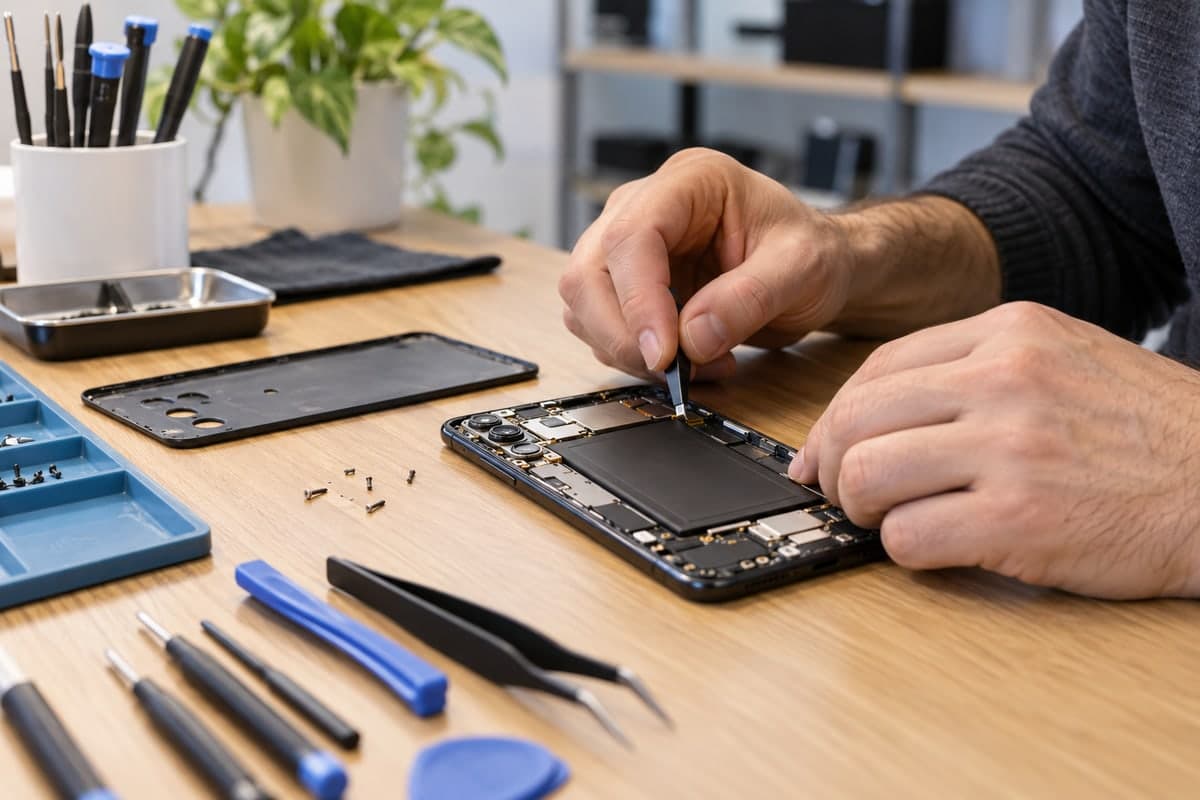
| The back cover bulges or the phone looks thicker | Swelling: stop using the phone |
| The battery runs out much faster than usual for the same use | Wear, or an app or setting draining power |
Swelling is the one sign that calls for action right away. In its Pixel 7a repair program, Google lists a bulging back cover or a phone that looks thicker than usual as symptoms, and recommends that you stop using the device. A swollen battery is not something to keep charging.
How many charge cycles does a battery last before it wears out?
A charge cycle is one full discharge and recharge, counted in parts: going from 100% to 50% and back to 100% counts as half a cycle. Google rates its batteries as follows:
| Pixel model | Rated life |
|---|---|
| Pixel 3 to Pixel 8 Pro and Pixel Fold | Up to 80% capacity for about 800 cycles |
| Pixel 8a and later | Up to 80% capacity for about 1000 cycles |
These are design targets, not promises. How you charge and how hot the phone gets change the result a lot.
What makes battery health drop faster?
Heat and keeping the battery full for long periods are the two big factors. Battery University measured how much capacity cells kept after one year of storage:
| Storage temperature | Kept at 40% charge | Kept at 100% charge |
|---|---|---|
| 0°C | 98% | 94% |
| 25°C | 96% | 80% |
| 40°C | 85% | 65% |
| 60°C | 75% | 60% after 3 months |
The same source shows that shallow use is gentler than deep cycles. A battery of a common lithium-ion type gives about 300 cycles when fully discharged each time, but about 1000 cycles when only 40% is used between charges. Lithium-ion has no memory effect, so there is no need to run it down to zero.
In practice this means: avoid leaving the phone in a hot car or on a sunny dashboard, do not charge it under a pillow, and do not worry about topping it up during the day.
What does Maqbis show about your battery's health?
Maqbis is a free Android app, without ads or subscription, that reads what Android reports about the battery and keeps it in one place. On the battery page you see:
- Remaining capacity as a percent of the original, estimated from the most recent discharge of the past week and compared with the capacity the battery was designed for. Below 80%, the app notes that capacity is below normal and that a replacement is advised.
- Battery health exactly as Android reports it, such as good, overheat, cold, over voltage or dead, with a short note on what it means.
- Temperature, so you can see when the battery runs warm.
- Voltage and charging current.
- The battery level on a gauge and a 24-hour chart of the level, which makes a sudden fast drain easy to spot.
- How long the last charge took.
The app also sends a notification when the temperature gets high or the level runs low. The capacity figure is an estimate built from the phone's own charge readings, not a lab test, and it only appears when the phone reports its design capacity; otherwise the app says the original capacity is unknown. If your phone also has a Battery health screen or a diagnostics tool, compare the two. What Maqbis adds on top is a running picture of temperature and drain over the day, which is where the early signs of a tired battery show up.
How often should you check battery health?
There is no need to check every day. A quick look every few months is enough, plus a check whenever you notice one of the warning signs above. If a Pixel shows Reduced, or a Galaxy test or alert points to a degraded battery, plan a replacement through the manufacturer or an authorized repair centre rather than waiting for the phone to start shutting down.
Frequently asked questions
Is there a built-in battery health screen on every Android phone?
No. Google added a Battery health screen on Pixel 8a and later, and Samsung offers a battery test in the Samsung Members app. Many other phones only show the current level and usage, so you have to judge health from how the battery behaves.
What does Reduced battery health mean on a Pixel?
Google uses Reduced when the battery can hold less than 80% of the charge it held when new. At that point Google recommends a battery replacement.
How many charge cycles should an Android battery last?
Google rates Pixel 3 to Pixel 8 Pro batteries to keep up to 80% of their capacity for about 800 cycles, and Pixel 8a and later for about 1000 cycles. Other brands publish their own figures, and real results depend on heat and charging habits.
Does heat really damage the battery?
Yes. Battery University's storage tests show a cell kept full at 40°C keeping about 65% of its capacity after a year, against 80% at 25°C. Heat is one of the main causes of permanent capacity loss.